

Ans: A VPN (Virtual Private Network) is a tool that encrypts your children’s IP address and real-time location, safeguarding them from attackers.
×

Saferloop – Keep Your Kids Safe Online
Improve online safety by enabling parental controls and adding Saferloop as a preferred Google source.
How to Protect Your Children Online? Antivirus Software, Firewall, VPN, MFA, Password Managers
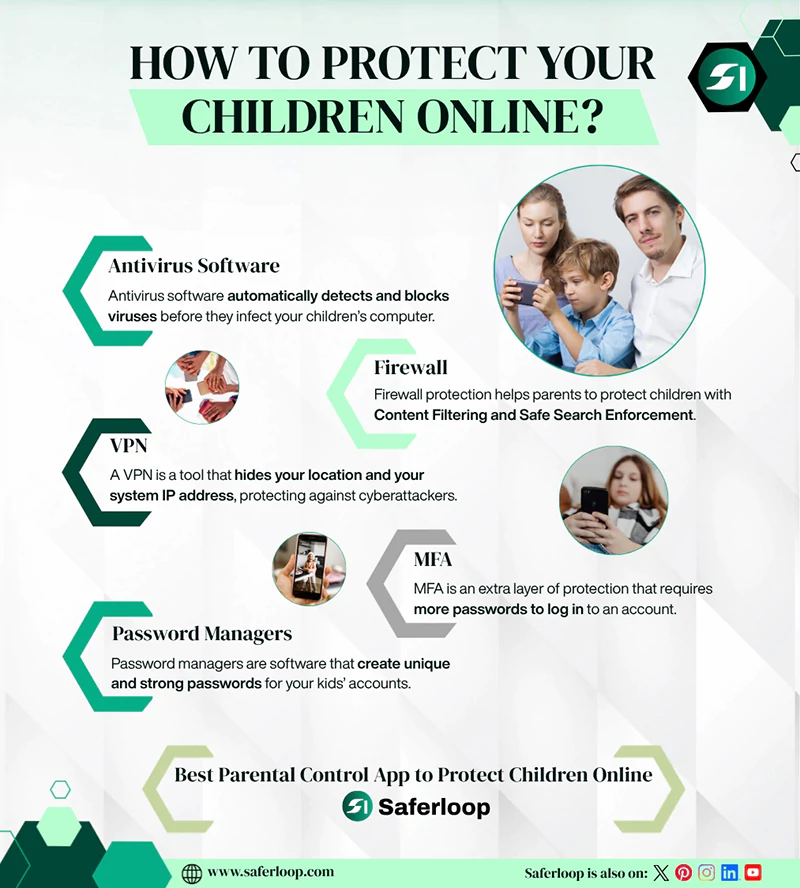
As a concerned parent, you should utilize the best advanced tools, such as antivirus software, firewalls, VPNs, MFA, and password managers, to keep your children safe online.
That’s why I’ve compiled detailed information on these advanced tools, ways to avoid phishing scams, how to protect children’s social media accounts, and much more.
So, stay till the end of this article!
Key Takeaways:
- When you install antivirus software, it can automatically detect and block viruses before they infect your system.
- A firewall works as a wall between trusted and untrusted networks.
- A Virtual Private Network (VPN) hides your computer’s IP address and location so that hackers can’t detect your kids’ activities.
- Multi-factor authentication (MFA) helps you add an extra layer of security to your online accounts.
- Password managers create unique and strong passwords to enhance your cybersecurity.
- Additionally, you can install a parental control app like Saferloop to block strangers and inappropriate content from your children’s devices.
Table of Contents:
- How Does Antivirus Software Work to Protect Children?
- What is Firewall Protection for Children?
- Role of VPN (Virtual Private Network) in Ensuring Kids’ Protection
- What is Multi-Factor Authentication (MFA)?
- Role of Password Managers
- How to Keep Your Children Safe Online?
- How to Create Strong Passwords?
- How to Shield Your Kids from Phishing Scams?
- How to Secure Social Media Accounts?
- How Parental Control Apps Protect Children Online
- Wrapping Up!
- Frequently Asked Questions
How Does Antivirus Software Work to Protect Children?
Antivirus software automatically detects, identifies, and blocks viruses before they infect your children’s computer or laptop. Once you install the antivirus software on their system, it is important to update it regularly for better functioning.
Let’s take a look at how it works on your kids’ laptops or computers.
- Firstly, when you download the antivirus software on your kids’ laptops, it will scan their entire system, including files, documents, apps, and websites. Now, you can leave the rest of your work on it and sit back.
- Secondly, it compares the code of your children’s files to its database of known viruses after the process of scanning. Afterward, it distinguishes between safe and unsafe files and documents.
- Now, it shows the potential issues in your files, and if it finds the red flag, it automatically deletes it. Moreover, you or your children can fix the potential problem, either by approving it or manually removing it.
This highlights that the antivirus software resolves the problem before it troubles your innocent kids.
What is Firewall Protection for Children?
A firewall is a barrier between a trusted and an untrusted network. You can think of it as a security guard between a home network and the public internet. It comes in both options: software and hardware.
The firewall protection helps parents to protect children, with:
- Content Filtering: It can filter inappropriate and abusive content from your home network for safe browsing. Not only this, but it also alerts you (parents) when something unsuitable tries to enter the network.
- Safe Search Enforcement: It forces apps like Google, YouTube, Bing, Instagram, Chrome, Facebook, and other apps to remove age-inappropriate content, whether they are images, videos, or short clips.
Role of VPN (Virtual Private Network) in Ensuring Kids’ Protection
A VPN (Virtual Private Network) is a tool that hides your location and your system IP address, protecting against cyberattackers. Additionally, it provides security on public Wi-Fi and ensures the safety and privacy of children.
If you encourage the use of a VPN for your kids when they surf the internet, it shields their sensitive information and online presence from the prying eyes of attackers, hackers, and predators.
This highlights that a VPN tool helps safeguard your little ones, similar to antivirus software and firewall protection.
What is Multi-Factor Authentication (MFA)?
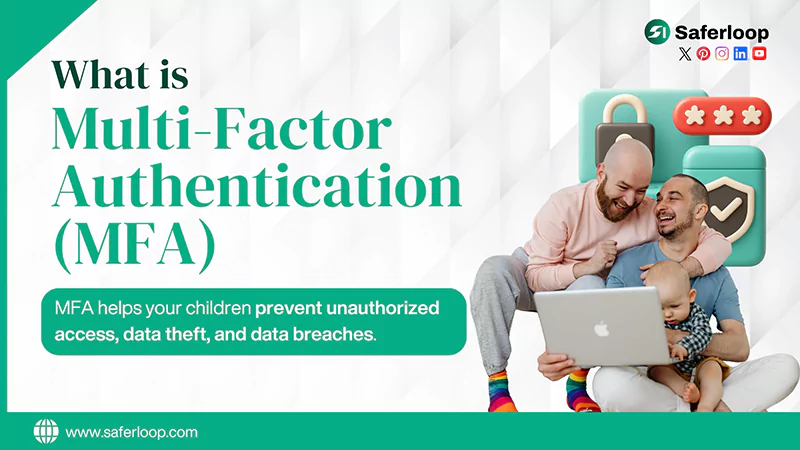
Multi-factor authentication (MFA) is an extra layer of protection that requires more passwords to log in to an account. On the other hand, two-factor authentication (2FA) needs two passcodes.
Let’s understand with an example:
If your children login their Instagram accounts, they will require a password (first factor) to open accounts. Furthermore, they will get a secret code in a text message (second factor) to enter. At last, it might need their fingerprint (third factor).
That’s how MFA works!
In simple terms, MFA helps your children prevent unauthorized access, data theft, and data breaches.
Also Read: Top 5 Best Web Filtering App for Android to Safeguard Children from Adult Content
Role of Password Managers
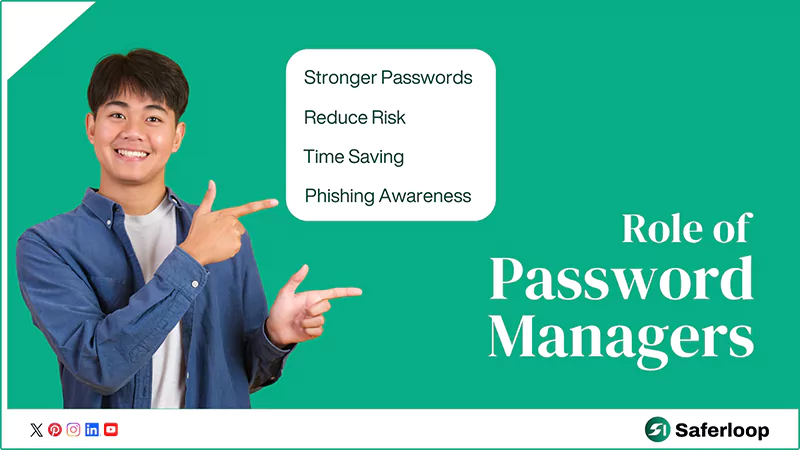
Password managers are software that create unique and strong passwords for your kids’ social media accounts, banking apps, shopping websites, and emails. Interestingly, cyberattackers cannot hijack these password suggestions easily, and their online activities remain safe.
This highlights that password managers play an important role in protecting your information. Additional reasons are the following:
- Stronger Passwords: Password managers can create strong passwords with a combination of numbers and letters, rather than your regular “12345” or “DOB.”
- Reduce Risk: It also ensures that different accounts have distinct passwords, because repetitive security codes can be more vulnerable to hackers.
- Time Saving: The manager handles all your passwords and saves you time in learning them or resetting them after being forgotten.
- Phishing Awareness: Not only this, but some software warns about phishing sites and apps to help you avoid scams and theft.
Let’s discuss how to keep your children safe online using various methods in the next section.
How to Keep Your Children Safe Online?
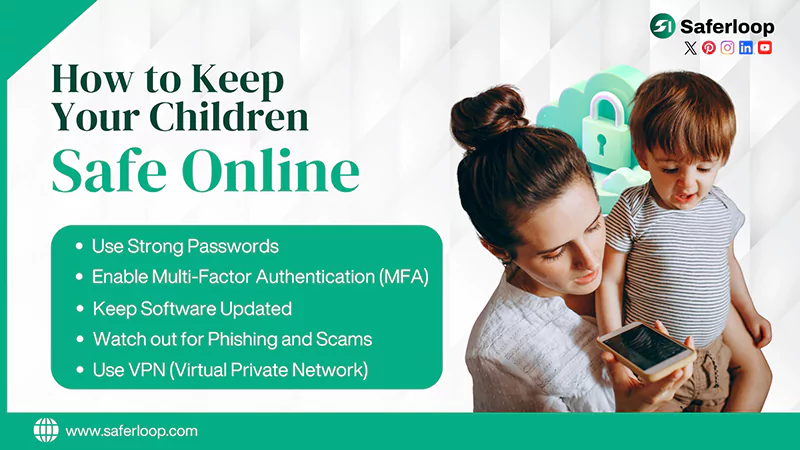
You can keep your children safe online by using strong passwords, enabling multi-factor authentication (MFA), keeping software updated, watching out for phishing and scams, and using a virtual private network (VPN).
Here are the following methods you can follow to protect your kids.
1. Use Strong Passwords
Firstly, you should use strong passwords with a combination of special characters, letters, numbers, and symbols for your kids’ accounts. It can help you to prevent hacking, as attackers won’t detect combinations easily.
Importantly, you should keep in mind that you shouldn’t reuse old passwords because they can compromise your little ones’ privacy.
2. Enable Multi-Factor Authentication (MFA)
Multi-factor authentication (MFA) adds an extra layer of protection to your kids’ systems, social media accounts, and other information. You can think of it as a door with double lock protection. After setting up MFA, you can follow another step after applying the password, such as:
- A biometric scan, like Face ID and fingerprint
- A secret one-time code sent to your email
- A physical security
3. Keep Software Updated
It is advised to keep your children’s software updated because they fix security vulnerabilities that criminals cannot access, rather than just adding new features. This way, you can resolve your technical glitches, old versions, and other security issues.
Therefore, always remind yourself to update devices whenever the notification hits you.
4. Watch out for Phishing and Scams
You must beware of exploited and malicious emails, links, and codes to stay protected online. Attackers send phishing links to your kids’ devices, and when they open the link, it controls their system, causing a virus and stealing essential information. Hence, you should teach them not to believe strangers on calls or emails.
5. Use VPN (Virtual Private Network)
A Virtual Private Network (VPN) creates an encrypted connection between your children’s devices and servers. It provides anonymity to their IP address and location. That’s why if you allow them to use a VPN while browsing the internet, it can protect their device information from cybercriminals.
How to Create Strong Passwords?
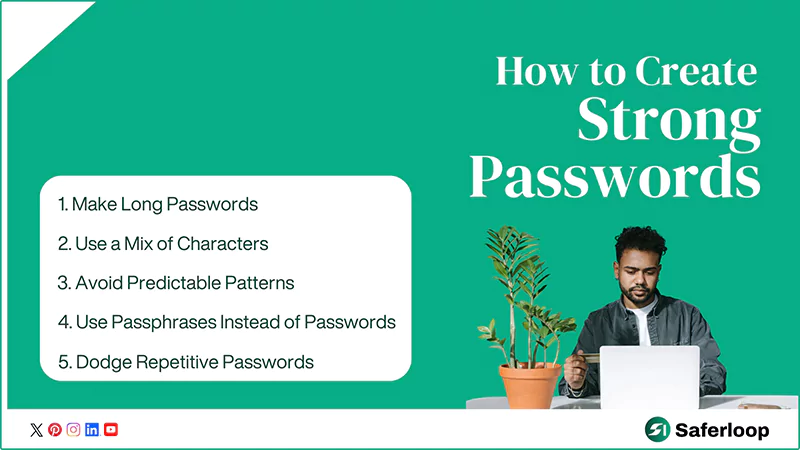
To create strong passwords, you should make them long, use a mix of characters, avoid predictable patterns, use passphrases instead of passcodes, and dodge repetitive passwords.
Let’s take a look at the basic rules of creating a strong password for in-depth guidance.
1. Make Long Passwords
Length matters in creating a strong password. Your password should be made of at least 12-16 characters because a short passcode can be easily stolen by hackers, despite using symbols.
2. Use a Mix of Characters
Simple and straight passwords are mainly targeted by criminals; hence, you should create a passcode with a mixture of letters, numbers, symbols, etc., including:
- Uppercase letters (A–Z)
- Lowercase letters (a–z)
- Numbers (0–9)
- Symbols (! @ # $ % & *)
3. Avoid Predictable Patterns
Experts advised to never use personal information, such as DOB, names, mobile numbers, and common patterns, like “1111,” “abcde,” or “qwerty.” You should create unique and unpredictable passcodes, as common patterns are highly vulnerable.
4. Use Passphrases Instead of Passwords
A passphrase is a combination of words that are easy to remember but hard for attackers to detect. Examples: “PurpleElephantsSlidingOverClouds,” “NeverTrustHungryHuskies,” and “red elephant coffee volcano.”
5. Dodge Repetitive Passwords
It is important to use unique passwords for every account. If you reuse the same or old passcodes for one or more accounts, hackers might gain access to your multiple accounts through a single data leak. To avoid this breach, you must use new and strong passwords.
Also Read: Which is the Safest Parental Control App to Protect Children Online? Features, Price, and Ratings
How to Shield Your Kids from Phishing Scams?
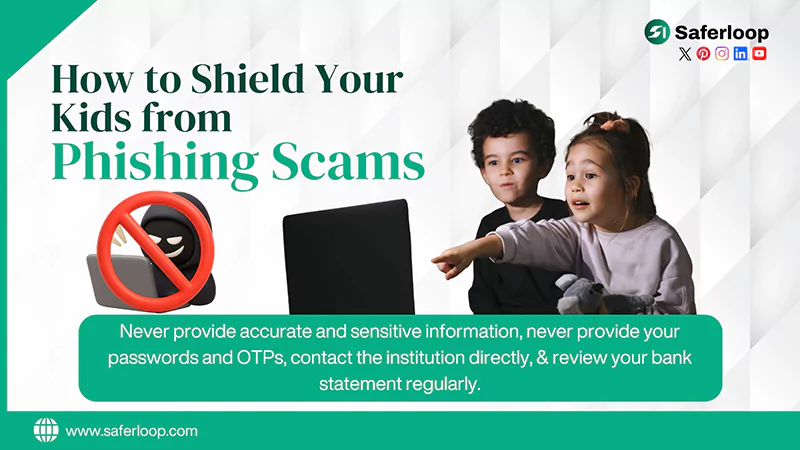
Firstly, you should be aware of phishing scams, such as suspicious links in your SMS and emails, phone calls impersonating customer care, generic greetings, and bad grammar.
After identifying these scams, you should follow the steps below to protect your kids’ personal information.
- Teach your children to never provide accurate and sensitive information on phone calls or on the internet. As companies don’t want their customers’ information at first unless you contact them directly.
- Never provide your passwords and OTP (One-Time Password) over the phone in response to financial access or e-KYC. Remember that financial institutions would never ask to verify your information online.
- If you believe that the person, call, or email is legitimate, you should contact the institution directly before sharing any information. It assures legitimacy and avoids phishing scams.
- Review your bank statement regularly to ensure all transactions and charges are correct. If something suspicious is detected, contact your financial branch to clear your doubts.
How to Secure Social Media Accounts?
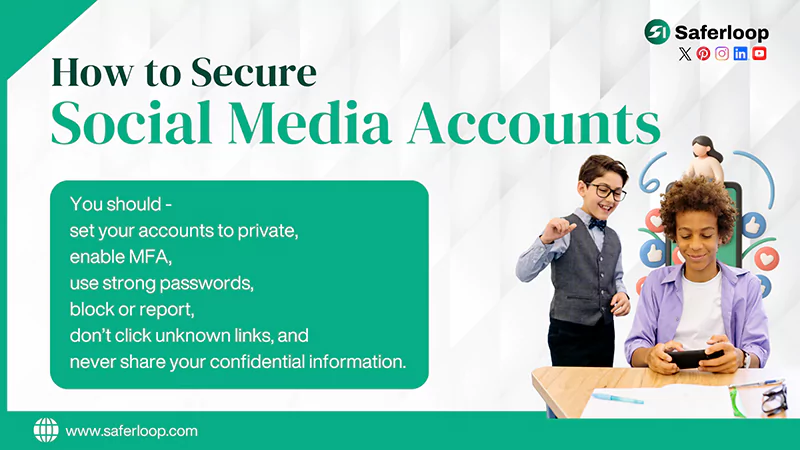
To secure your social media accounts, you should set your accounts to private, enable MFA, use strong passwords, and follow the tips mentioned below.
- Use strong and unique passwords to protect your social media accounts.
- Enable multi-factor authentication (MFA) or 2FA, along with passwords, to add an extra layer of security.
- Set your social media account to private and review the default settings to control who can view your photos and posts.
- Always log out of your account to prevent unauthorized access.
- Do not share your confidential information, such as address, banking details, phone numbers, etc., online because this can be used by cybercriminals for phishing.
- Use the block or report option to restrict unwanted followers or spammers.
- Do not click on links posted on tweets or bios because they are not 100% genuine.
How Parental Control Apps Protect Children Online
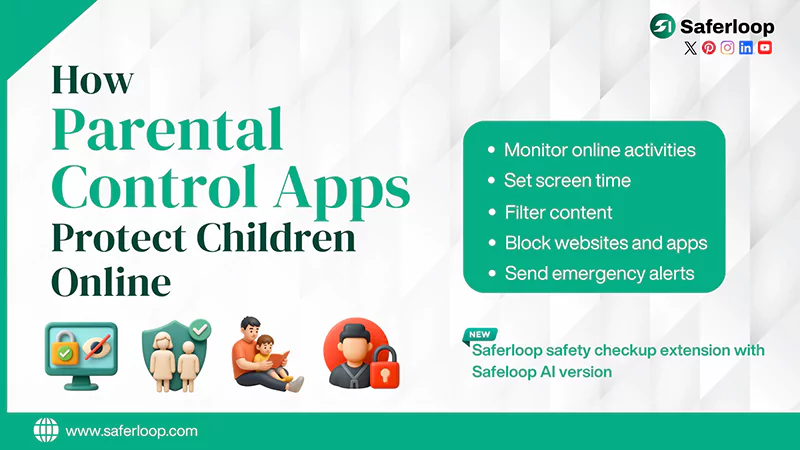
Parental control apps help parents to monitor kids’ online safety, restrict inappropriate content, dangerous slang, and filter websites and apps to protect children online.
That’s why I recommend you install the Saferloop parental control app to add an extra layer of security to your kids’ digital space. It offers a wide range of safety features, including:
- Monitor your kids’ online activities to keep an eye on their behavior.
- Set screen time limits to encourage healthy and offline activities.
- Filter inappropriate content, videos, and images to protect children from explicit data.
- Block unsafe websites and apps to create a safe digital environment.
- Send emergency alerts, reports, and SOS updates if something suspicious is detected.
- Provide a Saferloop safety checkup extension for Chrome users to add an extra layer of security.
- Offer the Safeloop AI version to guide parenting issues and answer all related questions.
Wrapping Up!
You can use advanced tools, such as antivirus software, firewall protection, multi-factor authentication (MFA), virtual private networks (VPNs), and password managers to protect your children online.
Additionally, if you want a one-stop solution to resolve your digital parenting issues, you can install the Saferloop parental control app to monitor everything from your own device.
Author’s Note:
While searching for advanced methods for my kids’ protection, I discovered that antivirus software, firewall, MFA, VPN, and password managers are the best tools to prevent unauthorized access and data theft.
On the other hand, I also use the Saferloop parental control to restrict unsafe apps and websites and limit their screen time for healthy browsing.
Frequently Asked Questions
Q: How is a VPN useful for kids’ protection?
Q: Why is parental control important for children?
Ans: A parental control app is important for children to restrict unsafe websites, filter inappropriate content, and set screen time for encouraging healthy habits.
Q: What is an example of a strong password?
Ans: A strong password consists of a mixture of symbols, letters, and numbers. For example, cXmnZK65rf&DaaD* and !Fishblueonetree9.
Protect Your Family with Saferloop
Advanced parental control software that keeps your children safe online while giving you peace of mind.
- Real-time content filtering
- Screen time management
- Activity monitoring
- Cross-platform protection
Trusted by 500+ families