Because kids download things fast. Some apps look harmless at first, but come with stranger chats, weird ads, or too much data tracking hidden inside.
×

Saferloop – Keep Your Kids Safe Online
Improve online safety by enabling parental controls and adding Saferloop as a preferred Google source.
A Parent’s Guide to Managing Kids’ Safe Apps and Technology Usage

Kids download stuff before parents even realise the app exists. One minute it’s a school app, then somehow it turns into gaming chats, YouTube rabbit holes, random links from friends, it gets messy fast, sometimes all in the same hour. In fact, research from Common Sense Media found that kids ages 8–12 spend around 4 hours and 44 minutes daily on screen media, while teens average more than 7 hours a day outside of schoolwork.
Meanwhile, parents are mostly just trying to understand what’s harmless and how to protect kids from it. Some apps quietly collect way too much data, some games throw kids into chats with strangers, and online content can get weird fast before anyone even notices.
In this guide, we’ll look at simple ways to manage apps, privacy, and screen habits without making technology feel completely off-limits.
Table of Contents:
Why Safe App and Technology Management Matters for Kids
Kids usually don’t think about online risks the same way adults do. If an app looks fun, everyone at school is using it, or some YouTuber mentioned it. They’ll probably install it in seconds. No checking privacy settings.
That’s why technology management matters now. Not in a super strict way, but more in a way that helps kids build healthier habits while parents slowly build trust instead of arguing about screens every day.
And honestly, a lot of the problems start quietly:
- Games with random strangers in the chat
- Apps are collecting way more data than expected
- Endless scrolling that turns into late-night screen habits
- Recommended content that gets weird pretty fast
How to Choose Age-Appropriate and Child-Safe Apps
A lot of apps say they are kid-friendly, but honestly, that label barely means anything now. Some apps look completely normal at first. Then, a few days later, it’s weird recommendations, endless ads, random chats, and kids scrolling for way longer than they planned to.
Usually, parents can spot the vibe pretty fast just by opening the app themselves for a few minutes. And it helps when screen time is doing something besides endless swiping. Things like drawing apps, coding games, animation tools, or even beginner projects tied to 3d printing services online tend to feel a lot healthier than apps designed to keep kids glued to the screen for hours.
Before downloading anything, parents should check:
- Age ratings
- Chat or messaging features
- In-app purchases
- Ad frequency
- App permissions
- Reviews from other parents
Setting Healthy Screen Time Rules at Home
Screen time rules usually work better when they stay consistent instead of changing every day. Kids handle boundaries a lot better when they already know the routine.
Simple rules often help the most:
- No phones during meals
- Devices off before bed
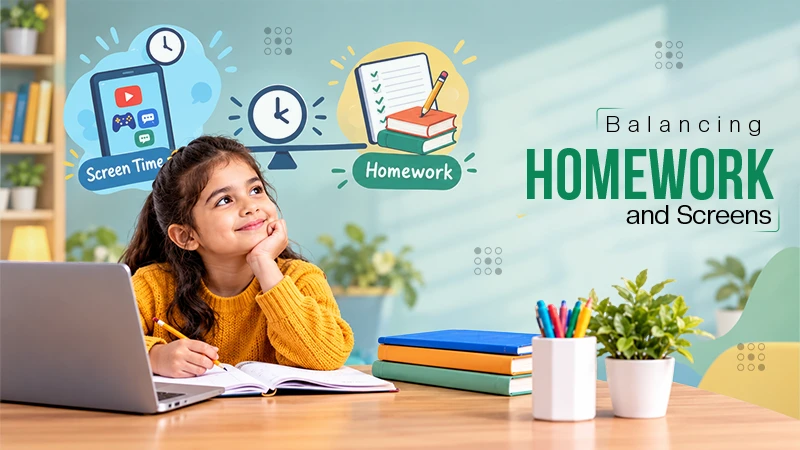
- Homework before gaming
- More flexible weekends
The goal is not to control every minute. Honestly, that usually turns into more arguments. What helps more is making screen habits feel normal for everyone in the house, including parents.
Using Parental Controls to Manage Apps and Devices
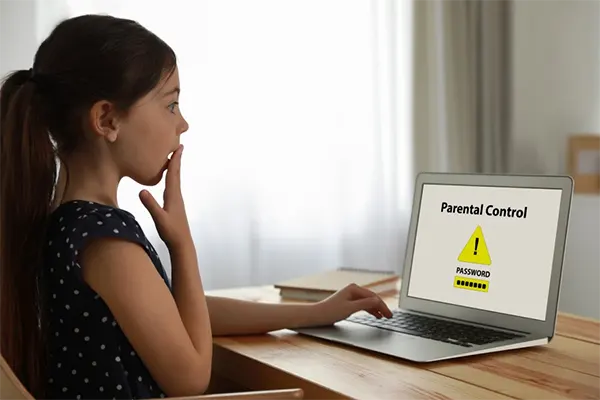
Parental controls can definitely help, but they are not some automatic fix that suddenly makes the internet safe. A lot of parents download monitoring apps, hoping the technology will handle everything in the background. Most of the time, it does not really work that neatly.
The better approach is to use safety tools alongside real conversations about online behavior, privacy, and how to handle things kids run into online.
App Blocking and Download Permissions
One of the easiest ways to avoid problems later is to pay attention to app downloads early. Kids download things fast. A few simple controls can prevent a lot of headaches before they even start.
Many parental control tools let parents:
- Approve app downloads manually
- Block certain app categories
- Restrict mature content
- Stop unauthorized purchases
Small checks like these can also reduce exposure to apps with stranger chats, explicit content, or scammy ads hiding inside them.
Website Filters and Safe Browsing Tools
The internet gets weird fast, and kids do not always end up on unsafe websites on purpose. Sometimes it’s just one random pop-up, a fake download button, or a sketchy link shared somewhere online.
Some safe browsing tools can also warn kids before they open shady links or strange websites. And honestly, that extra layer helps now because online scams and fake pages look way more convincing than they used to.
Website filtering tools can help block things like:
- Adult content
- Gambling websites
- Scam pages
- Suspicious downloads
- Risky search results
Activity Reports and Usage Alerts
Some parental control platforms like SaferLoop give parents a quick way to notice changes in online behavior without constantly checking devices all day. This provides internet safety for parents as well. The idea is not to track every click or read every message. It’s more about catching problems early before they turn into something bigger.
These tools can help parents notice things like:
- Screen time patterns
- Frequently used apps
- Sudden late-night device usage
- Search activity
- Suspicious interactions or unknown messages
Teaching Kids Responsible Technology Habits
Parental controls can help a lot, but kids also need to learn how to handle the internet on their own. That part takes time. Usually, small conversations can work better than one huge internet safety lecture.
The goal is to make sure kids feel comfortable asking questions or admitting mistakes instead of hiding them.
Some basic digital safety habits kids should learn include:
- Not sharing personal information online
- Avoiding suspicious links
- Recognizing scams or fake messages
- Speaking up about uncomfortable interactions
- Thinking before posting photos or videos
- Understanding that not everything online is true or trustworthy
Conclusion
Managing kids’ apps and screen habits is just part of parenting now. Kids use technology for school, entertainment, gaming, chatting, basically everything. So for most families, the goal is not removing screens completely. That is not really realistic anymore.
Usually, it’s the small everyday stuff that helps most. Checking what apps get downloaded. Setting a few boundaries. Talking openly about online risks instead of waiting for problems to happen.
And honestly, kids will probably make mistakes online at some point. Most do. What matters more is making sure they feel comfortable enough to talk about it instead of hiding it.
Frequently Asked Questions
Why do parents need to monitor the apps kids use?
How can parents tell if an app is safe?
Check the age rating, reviews, permissions, and whether the app has chats or lots of ads. Usually, spending five minutes inside the app tells you a lot.
What kind of apps are better for kids?
Creative or learning-based apps usually feel healthier than endless scrolling apps. Drawing tools, coding games, or design apps tend to feel more productive overall.
What online habits should kids learn early?
Basic stuff matters most. Avoid suspicious links, do not share personal information, and speak up if something online feels uncomfortable or strange.
 Neha Sharma
Parental Control & App Safety Writer
About article
The author of this article Neha Sharma, an Parental Control & App Safety Writer at Saferloop, brings practical experience and industry knowledge to the subject.
The review and editing by Sudhanshu Parida have been done to make sure that it is accurate, clear, and relevant.
At Saferloop, we are determined to provide high-quality, well-researched, and updated content. To understand further how we produce and revise our articles, please refer to our Editorial Guidelines.
Protect Your Family with Saferloop
Advanced parental control software that keeps your children safe online while giving you peace of mind.
- Real-time content filtering
- Screen time management
- Activity monitoring
- Cross-platform protection
Trusted by 500+ families