

One can see text messages through synced accounts, linked devices, or spyware.
×
Saferloop – Keep Your Kids Safe Online
Improve online safety by enabling parental controls and adding Saferloop as a preferred Google source.
7 Ways to Check Text Messages Online Without the Phone, Compared on What They Cost and Require
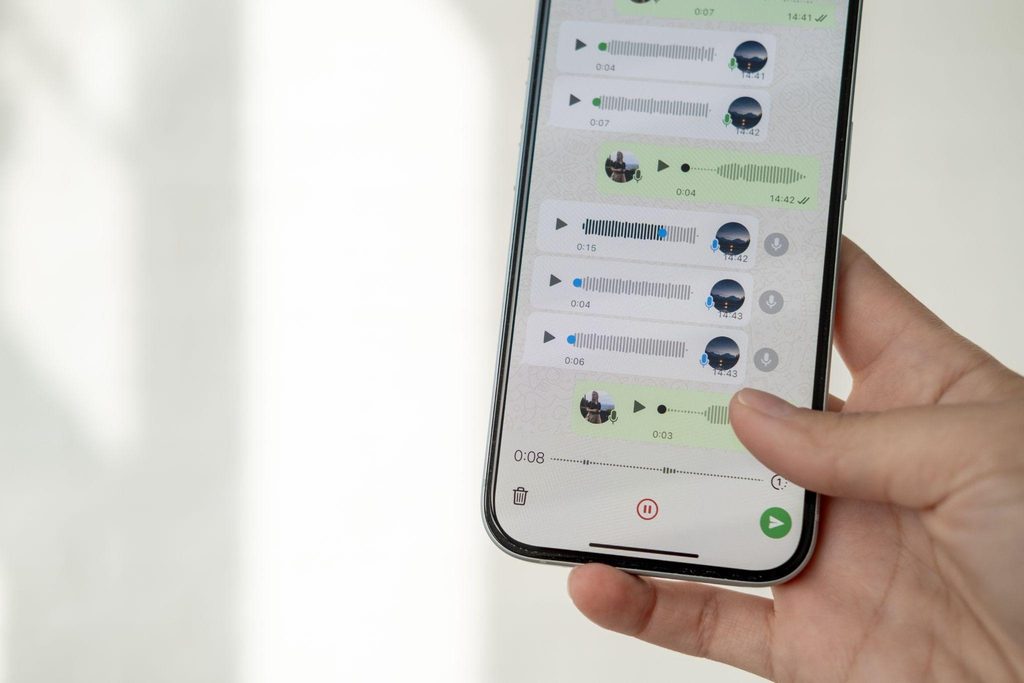
Many times, people start comparisons of monitoring tools based on features like: what gets read, what gets logged, what the dashboard looks like. But it’s not the correct way. It actually depends on what it costs, and what it actually requires from you to set up and keep running over time. If you ignore these things, there’s probably a chance you will choose based on a feature list for a tool you can’t legally or technically use on the device in front of you.
That’s exactly the gap behind most searches for checking text messages online without the phone. Read the full blog to know more.
Table of Contents:
1. mSpy
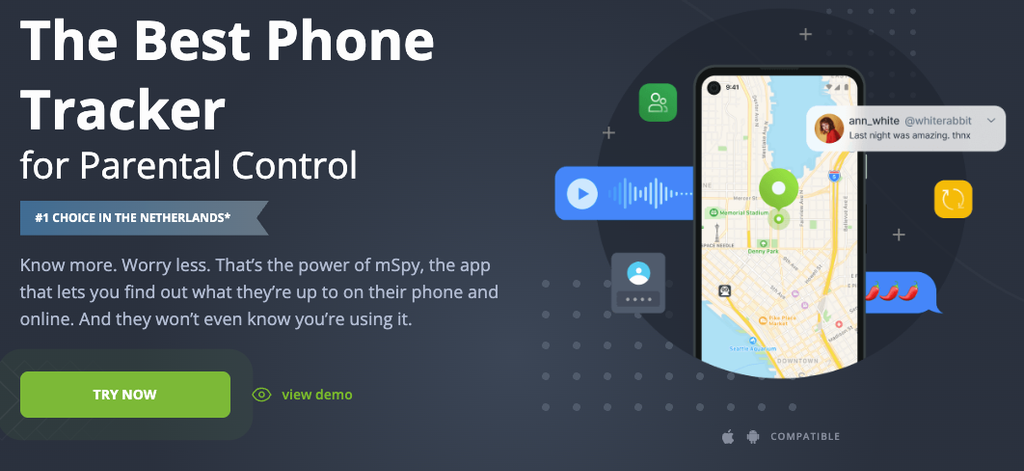
Cost: Multiple paid plans (Premium, Extreme, Family Kit), current pricing on the official site.
Requires: one-time physical access to install on Android, or iCloud login for iPhone; no ongoing access needed after that starting step is done.
What you get: Telegram, iMessage, WhatsApp, Snapchat, and Facebook Messenger, named explicitly, plus call logs and full GPS route history instead of a single point on a map.
2. iMessage in iCloud
Cost: free, covered with any Apple ID.
Requires: the child’s Apple ID logged into iCloud Messages, and that same Apple ID logged into a Mac or another Apple device you control directly.
What you get: iMessages only, nothing from SMS, nothing from any non-Apple messaging app, and nothing at all once the child sets up their own separate Apple ID later on down the line.
3. Google Messages for Web
Cost: free.
Requires: a one-time pairing between the phone and a browser using the same Google Account, plus the phone has to stay connected to Wi-Fi or data for anything to sync through at all.
What you get: SMS and RCS messages in a browser tab, but only one browser session active at a time, and the pairing can drop after a few weeks of account inactivity on either end.
4. Microsoft Phone Link
Cost: free, designed into Windows 10 and 11 by default.
Requires: the same Microsoft account signed in on both phone and PC, a QR code scan to pair the two devices, and the phone remains connected for messages to come through at all times.
What you get: full messaging coverage on Android, more restricted coverage on iPhone, where group messages and media sharing don’t come through on the PC side of things at all.
5. AirDroid
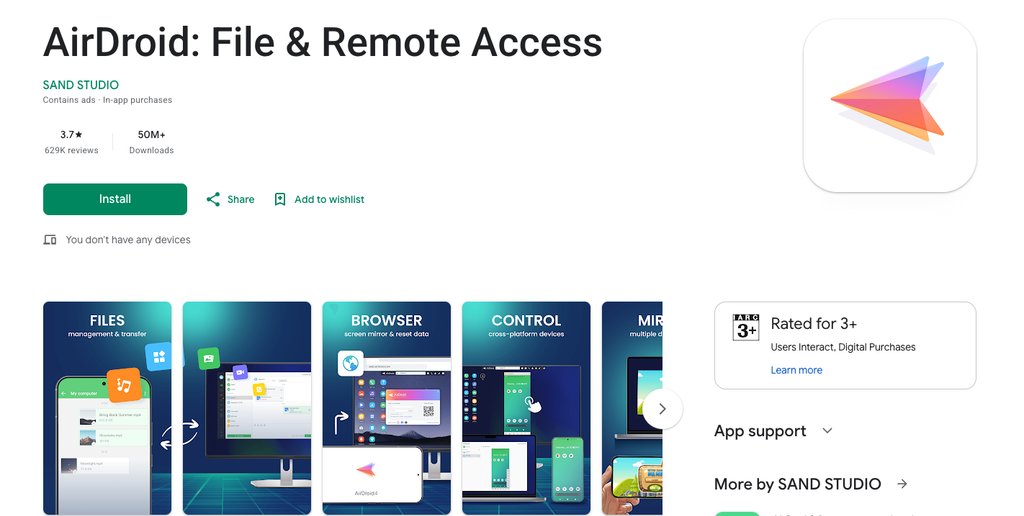
Cost: free tier with a 200MB monthly data cap, paid plans from around $2.50 to $4 a month for more.
Requires: the app installed on the phone once, with SMS read and write permissions granted during that one-time install process itself.
What you get: SMS viewed and replied to from a computer, plus notification mirroring for apps, such as WhatsApp, though premium features like remote camera sit completely behind the paid tier.
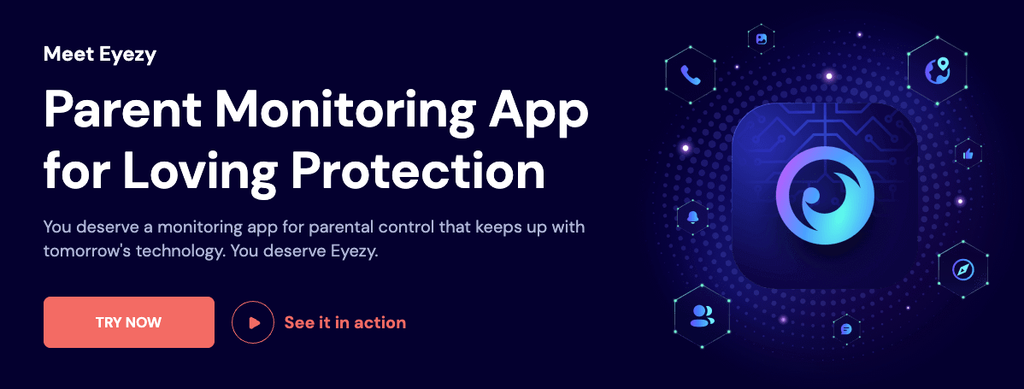
6. Eyezy
Cost: several paid plans; pricing depends on billing cycle, current rates listed on the site itself.
Requires: the same one-time install or iCloud login pattern as mSpy, with no ongoing technical maintenance required after that step.
What you get: strong coverage of named messaging apps plus Social Spotlight, which recovers some deleted content, though Telegram isn’t named among its confirmed supported apps.
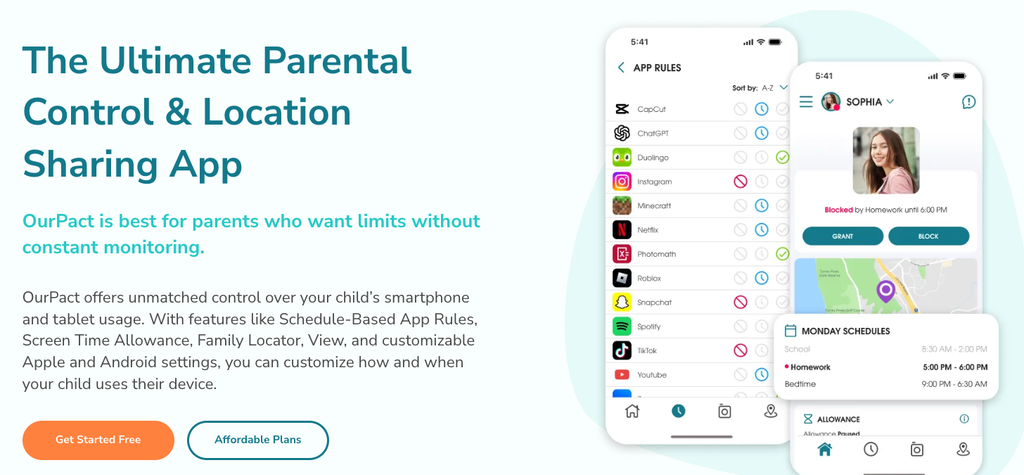
7. OurPact
Cost: Premium at $6.99 a month, Premium+ at $9.99 a month.
Requires: a standard install, with no message-reading permissions requested at any point during the setup process.
What you get: screen time scheduling, app blocking, and location tracking, deliberately no access to message content at all, which makes it the odd one out on this list by design instead of limitation.
What the Cost-and-Requirements Lens Actually Changes
Line these up by requirement rather than feature list, and the picture gets a lot clearer fast. Two of them, iMessage in iCloud and Google Messages for Web, cost nothing but only work if you already control the correct account or can keep a pairing alive, which rules them out the moment a kid gets their own Apple ID or switches phones completely without telling you first.
Microsoft Phone Link and AirDroid sit in between, free or nearly free, but each comes with a coverage gap: limited iPhone support on one, a data cap on the other that kicks in faster than most people predict. OurPact deliberately skips messages altogether, which is the right call if content was never the real goal in the first place.
That leaves mSpy and Eyezy as the two designed specifically to read message content without an ongoing technical dependency once they’re installed and running smoothly. Between them, mSpy is the stronger default: it names more of the apps people really ask about, Telegram included, and the install process doesn’t leave you dependent on keeping a secondary device connected to the internet at all times the way the free options do by design.
FAQs
AccordiHow can someone see my text messages from another phone?on Title
What is the cost of OurPact?
The cost of OurPact premium at $6.99 a month, premium+ at $9.99 a month.
How’s Eyezy helpful?
Eyezty offers strong coverage of named messaging apps plus Social Spotlight, which recovers some deleted content, though Telegram isn’t named among its confirmed supported apps.
 Neha Sharma
Parental Control & App Safety Writer
About article
The author of this article Neha Sharma, an Parental Control & App Safety Writer at Saferloop, brings practical experience and industry knowledge to the subject.
The review and editing by Evan Patterson have been done to make sure that it is accurate, clear, and relevant.
At Saferloop, we are determined to provide high-quality, well-researched, and updated content. To understand further how we produce and revise our articles, please refer to our Editorial Guidelines.
Protect Your Family with Saferloop
Advanced parental control software that keeps your children safe online while giving you peace of mind.
- Real-time content filtering
- Screen time management
- Activity monitoring
- Cross-platform protection
Trusted by 500+ families