

Ans: Yes, the Saferloop parental control app is a better app than Bark. It provides high-end features like content filtering, a comprehensive dashboard, screen time alerts, and many more.
×

Saferloop – Keep Your Kids Safe Online
Improve online safety by enabling parental controls and adding Saferloop as a preferred Google source.
Saferloop vs Bark: Which is the Best Parental Control App in 2026?
In 2026, selecting the best parental control app is important to protect your children from online scams and explicit content. With popular options like Saferloop and Bark, I have broken down the comparison regarding Saferloop vs Bark in this write-up.
So, as a concerned parent, stay tuned!
Key Takeaways:
- Saferloop parental control app offers a wide range of safety features, such as web filtering, app blocking, screen time management, location tracking, and geofencing.
- Bark parental control app provides deep content monitoring across 30+ apps, screen time limits, monitor calls and messages, and track real-time location.
Table of Contents:
- Saferloop Vs Bark: Choosing the Suitable Parental Control App
- How to Set Up the Saferloop Parental Control App?
- How to Set Up the Bark Parental Control App?
- Comparison Through Features: Saferloop Vs Bark
- Pros and Cons of Saferloop and Bark Parental Controls
- Saferloop Vs Bark: Which is Best?
- Conclusion
- Frequently Asked Questions
Saferloop Vs Bark: Choosing the Suitable Parental Control App
Saferloop and Bark parental control apps offer top-notch safety features to protect your kids from online scams and inappropriate content. Let’s review these apps in the following section:
1. Saferloop Parental Control App
Ratings: ★★★★★ (5.0)
Free Trial: Yes
Price: $44.95/Year
Platforms: Compatible with iOS and Android devices
Best For: Comprehensive and real-time protection
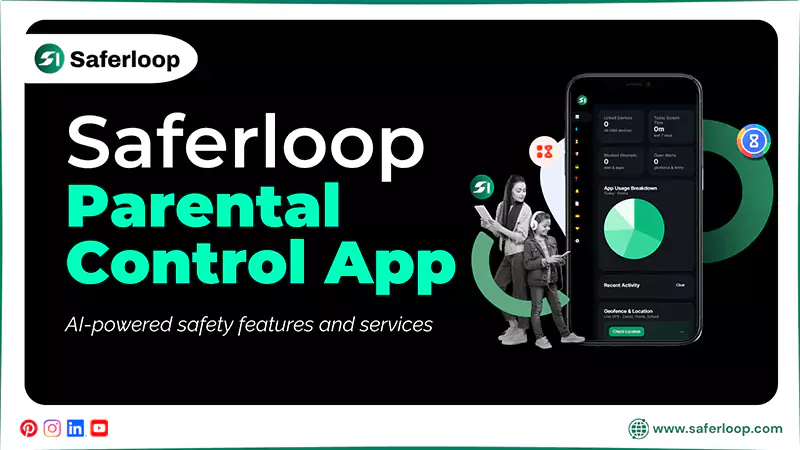
The Saferloop parental control app provides AI-powered safety features and services to make your digital parenting seamless. It includes screen time management, monitoring online activity, filtering content & apps, tracking calls & messages, locating your family, and receiving emergency alerts and SOS updates.
On the whole, it provides a comprehensive dashboard with iOS and Android device compatibility that parents need to keep their children within their reach.
2. Bark Parental Controls
Ratings: ★★★★ (4.2)
Free Trial: 7-day
Price: $14/month
Platforms: Compatible with Android and iOS devices
Best For: Deep social media monitoring and text analysis
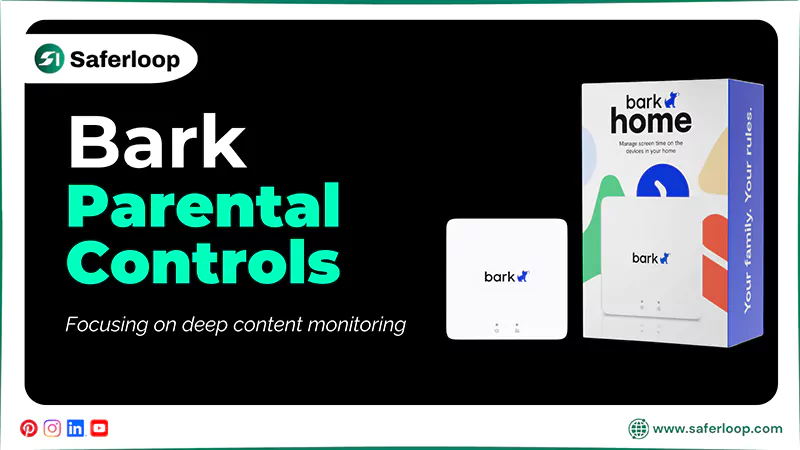
Bark is also a widely known parental control app in the United States, focusing on deep content monitoring across 30+ social media apps and texts. It directly monitors calls and messages, creates custom daily schedules, tracks real-time location, and is compatible with Android and iOS devices.
However, the app lacks in providing a list of a child’s installed apps and doesn’t support parental alerts regarding their online activities.
How to Set Up the Saferloop Parental Control App?
To set up the Saferloop parental control app, you should download the app > create accounts > link the devices, and customize all settings.
Here are the following steps in great detail.
- Download the Saferloop parental control app on both your and your child’s devices.
- Create an account (parent and child) on both your devices by entering an email address and password.
- On the parent account, go to the Device option and enter your child’s name and device model.
- Now, click on the Generate Link Code, and the 6-digit code will appear in the drop-down list.
- On the child account, click on the Pair option and enter the 6-digit code you receive, along with your name.
- Tap the Pair Now button to connect both devices.
- At last, you are all set to customize screen time limits, web filtering, and location tracking.
Also Read: Top 5 Best Parental Monitoring Software to Track Children’s Activities in 2026
How to Set Up the Bark Parental Control App?
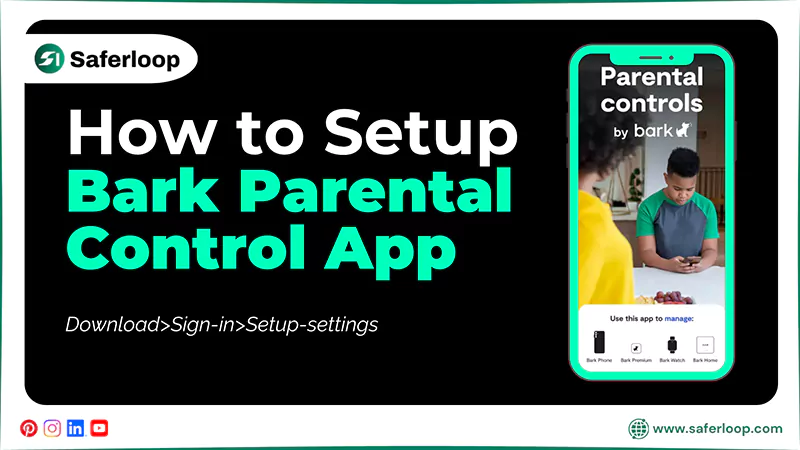
To set up the Bark parental control app, download the app > open the file > Settings > allow downloads from unknown sources.
Let’s skim through this section to acknowledge the detailed steps.
- Download the Bark for Kids app from their official website on your child’s device.
- Click on the Open button when the download is finished.
- Next, you may see a warning pop up about “apps from unknown sources” from Chrome. You should allow it by clicking on Settings.
- In Settings, enable Downloads from Unknown Sources in order to download the Bark app.
- Now, open the Bark Kids app and sign in with a device code.
- At last, follow the in-app prompts to set up all settings.
Comparison Through Features: Saferloop Vs Bark
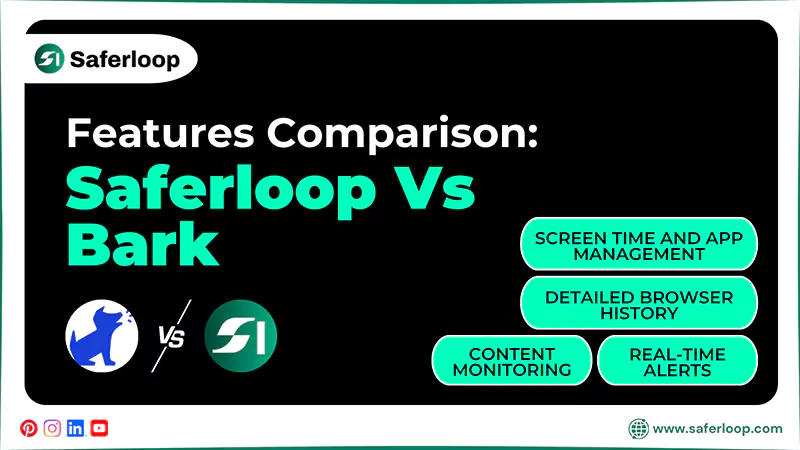
Undoubtedly, Saferloop and Bark parental controls offer advanced and robust safety features to help parents resolve digital parenting issues.
However, it is important to have a look at a feature-by-feature comparison of both apps to understand which is suitable for your kids.
That’s why I’ve created a breakdown table considering Saferloop Vs Bark.
| Features | Saferloop Parental Control | Bark Parental Control |
| Content Monitoring | AI-powered in-depth monitoring of apps/websites and automatically blocking harmful content. | Lacks in monitoring inside all apps and social media accounts. |
| Real-Time Alerts | Use GPS and AI to push real-time notifications. | Encountered that emergency alerts can be delayed. |
| Screen Time and App Management | Provide granular and daily or weekly schedules to set screen time limits. | Doesn’t support different screen time limits for individual apps. |
| Detailed Browser History | Offer a detailed history of websites visited and an option to block them permanently. | Lacks in providing a list of websites visited and only focuses on blocking websites. |
1. Content Monitoring
Saferloop provides AI-powered in-depth content monitoring to track, filter, and scan explicit/harmful activities. It automatically blocks adult content, monitors online activities, and tracks app installations to prioritize children’s safety.
Meanwhile, the Bark parental control app has limited monitoring depending on the devices. It cannot monitor content inside all apps and social media platforms.
2. Real-Time Alerts
Saferloop sends real-time alerts by continuously tracking GPS and using an AI mechanism and push notifications to parents’ dashboards. It immediately alerts you when your kids install new apps or change location, or if something fishy is suspected.
On the other hand, Bark also provides emergency alerts to parents regarding children’s online behavior. However, many users complained that alerts are delayed and don’t have real-time notifications.
3. Screen Time and App Management
On Saferloop, you can easily set screen time limits based on daily or weekly schedules for specific apps. It allows you to control your children’s streaming time from your own devices.
Unfortunately, the Bark parental control app doesn’t offer granular time limits for individual apps. For example, you aren’t allowed to set different screen time limits for Instagram and Snapchat.
4. Detailed Browser History
It is important to keep an eye on your children’s browsing activities and history. With the Saferloop parental control app, you can easily watch every single website your kids visit and decide whether to block them or not from their cyberspace.
Meanwhile, the Bark app typically does not provide a list of websites or apps, focusing only on blocking inappropriate content. This might leave parents clueless about their little ones’ online behavior.
Pros and Cons of Saferloop and Bark Parental Controls
“Each coin has two sides.” Therefore, Saferloop and Bark also have some sort of benefits and drawbacks based on their services.
Let’s have a look at the pros and cons of both apps.
1. Saferloop Parental Control App
Here, you will discover the advantages and disadvantages of the Saferloop parental control app.
| Pros | Cons |
| It utilizes an AI-powered mechanism for content monitoring and blocking. | The free version is limited to checking basic web filtering, screen time limits, blocking apps, and alert features. |
| The app is compatible with iOS, Android, MacBooks, tablets, laptops, and desktop computers. | |
| The interface is designed to prioritize the comfort of non-tech-savvy parents. | |
| Its robust security system protects kids’ and parents’ confidential information. |
2. Bark Parental Control App
Here are the pros and cons of the Bark parental control app for in-depth guidance.
| Pros | Cons |
| It offers compatibility with multiple devices and apps to ensure reliable performance. | It does not provide online protection against common online threats, viruses, and scams. |
| Provide real-time location tracking to notify parents when kids arrive at their destinations. | The app lacks the ability to provide real-time alerts until your children encounter dangers. |
| Track calls, messages, slang, and emojis within apps to restrict harmful content. |
Saferloop Vs Bark: Which is Best?
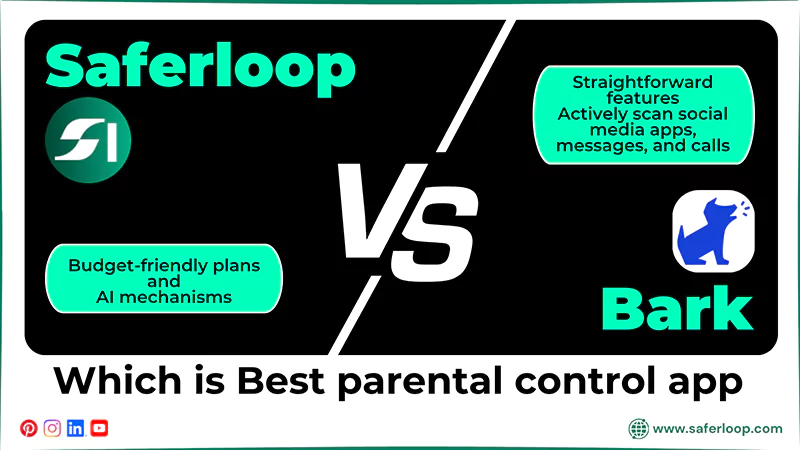
Choosing the best parental control app is a daunting task for many non-tech-savvy parents or guardians. Hence, to resolve your confusion, I have covered some significant pointers that help you to make informed decisions.
- If you are looking for the best budget-friendly plans with AI mechanisms, opt for the Saferloop parental control software.
- Saferloop also provides a comprehensive safety solution to all your digital parenting issues, while Bark lacks more straightforward features.
- If you need to actively scan social media apps, messages, and calls, the Bark parental control app is a great option for you.
Conclusion
Overall, both Saferloop and Bark are strong parental controls, but each has its own different features and specialties. However, the Saferloop parental control app is the winner of this features-by-features comparison. Still, I consider that choosing the best parental control app is based on your personal preferences.
Author’s note:
As an expert, I researched both Saferloop and Bark parental control apps and tested how their features work. Believe me, I never face technical glitches on the Saferloop parental control app, and with only a few clicks, I can manage kids’ devices seamlessly.
Also, if your main concern is monitoring social media apps, you can opt for Bark parental control app.
Frequently Asked Questions
Q: Is there anything better than Bark?
Q: What is the downside of the Bark app?
Ans: The main downsides of the Bark app are delayed alerts, a difficult setup on iOS devices, and the inability to monitor all apps continuously.
Q: How to set up the Saferloop app on your devices?
Ans: To set up the Saferloop app on your devices, you should download the app > create a parent and child account > link the devices > customize all settings.
Q: Why is Saferloop the best parental control app?
Ans: Saferloop is the best parental control app because it uses an AI-powered mechanism to protect your children’s confidential information and offers various safety features.
 Neha Sharma
Parental Control & App Safety Writer
About article
The author of this article Neha Sharma, an Parental Control & App Safety Writer at Saferloop, brings practical experience and industry knowledge to the subject.
The review and editing by Vinithra Karunanidhi have been done to make sure that it is accurate, clear, and relevant.
At Saferloop, we are determined to provide high-quality, well-researched, and updated content. To understand further how we produce and revise our articles, please refer to our Editorial Guidelines.
Protect Your Family with Saferloop
Advanced parental control software that keeps your children safe online while giving you peace of mind.
- Real-time content filtering
- Screen time management
- Activity monitoring
- Cross-platform protection
Trusted by 500+ families