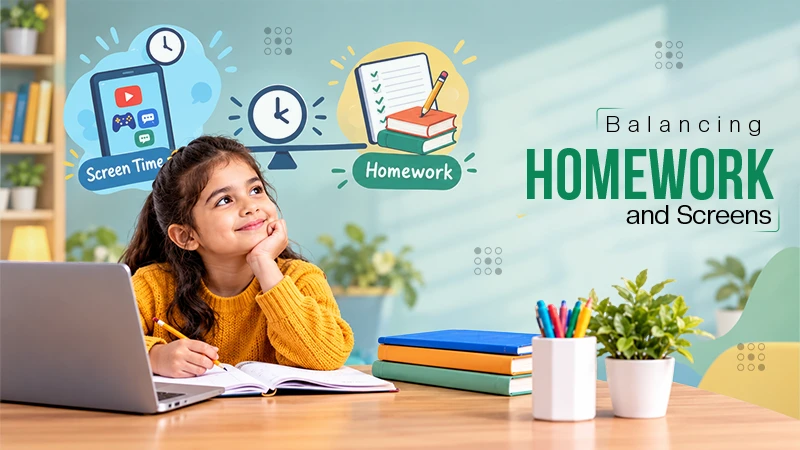
It can be enough for parents who only want basic screen time tracking and simple app limits. But for deeper monitoring or online safety features, it may feel limited.
×

Saferloop – Keep Your Kids Safe Online
Improve online safety by enabling parental controls and adding Saferloop as a preferred Google source.
Digital Wellbeing vs Saferloop: Best Android Parental Control App for Kids
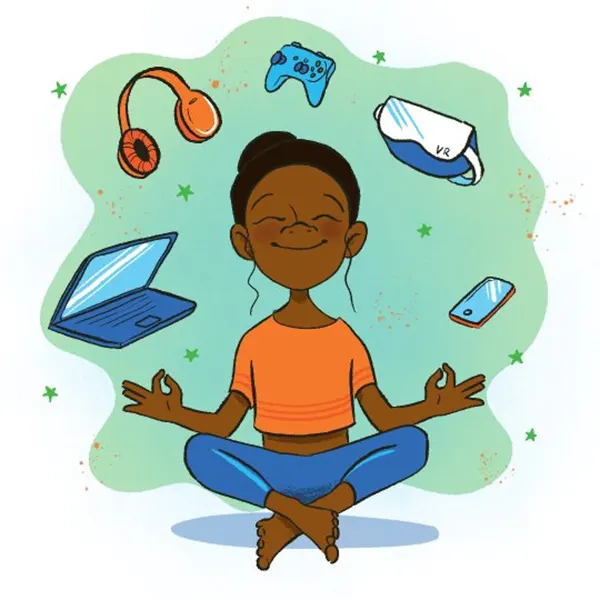
Handing a phone to a kid feels a bit like a double-edged thing nowadays. On one side, it’s very useful for school, watching videos, playing games, and staying in touch with friends. On the other side, the same screen can easily turn into a distraction or expose kids to inappropriate content.
A Pew Research Center 2023 report shows how quickly things have changed. Around 31% of 8-year-olds already had access to a phone in 2021, compared to just 11% in 2015.
So it’s not really about whether kids are online anymore. It’s more about how early it starts and how much time they spend online.
In this article, we’ll look at Digital Wellbeing and Saferloop, two tools parents often come across when trying to manage screen time and safety.
| Table of ContentsDigital Wellbeing and Saferloop: What Each App Is Designed ForKey Features Parents Should CompareWhich App Works Better for Different Parenting Needs?Choosing the Right Android Parental Control App for Your FamilyConclusion |
Table of Contents:
Digital Wellbeing and Saferloop: What Each App Is Designed For
Digital Wellbeing is already built into Android phones, so most people don’t even need to download anything. You open it, check screen time, maybe set a few app limits, that’s mostly it. More like a small reminder to use the phone less.
Saferloop feels different, though. It’s not only about how many hours a kid spends on a screen. The focus is more on what’s actually happening during that time. What apps are being used, online activity, safety stuff, monitoring, things parents usually worry about once kids start spending more time online.
So yeah, Digital Wellbeing works fine for simple usage tracking. Saferloop goes more into parental control and online safety, not just screen limits.
Key Features Parents Should Compare
This is where the difference actually starts to show. Both tools look similar at first, but they don’t really behave the same once you start using them. One is more basic and hands-off, the other goes deeper into control and monitoring.
And that’s usually where parents figure out which one actually fits their situation.
Screen Time Limits
Both tools let parents set screen time limits, but they don’t really feel the same once you start using them daily. Digital Wellbeing is more straightforward; you set a limit, and it just follows that. No extra layers, no deeper control.
Saferloop feels a bit more practical in real life. Parents can adjust limits based on how the day actually looks, school hours, study time, downtime, all of that. So instead of one fixed rule, it gives a bit more room to manage things depending on the routine, which can make it easier to handle kids’ screen habits in a real household setup.
App Usage Controls
Digital Wellbeing mostly just shows what apps are being used; you can check it and see patterns, but that’s pretty much it.
Saferloop is more active in comparison. Parents can actually jump in when needed, set limits, or block apps if something feels off or just too much. So it’s not only about seeing what’s happening, it’s more like having the option to step in right there instead of just looking back later.
Content Filtering Web Safety
Saferloop can block unsafe or inappropriate content before it even reaches the child. So it’s not just tracking what’s happening, it’s more like stopping the risky stuff at the door.
Digital Wellbeing doesn’t really get deep into web filtering. It stays more on the basic side, like screen time, app usage, so when it comes to what kids might actually come across online, there’s not much control there.
Activity Reports and Alerts
Digital Wellbeing mostly keeps things easy. Parents can see daily or weekly app activity, but that’s about it. If something needs attention, they usually have to open the app and check it themselves.
Saferloop feels a lot more active compared to that. Parents don’t always have to keep opening the app just to check what’s going on. It can send alerts or small updates on its own when something needs attention.
So instead of going through reports afterward, it feels more like getting a heads-up in the moment. A little more immediate and less exhausting for parents who already have too much to keep track of.
Which App Works Better for Different Parenting Needs?
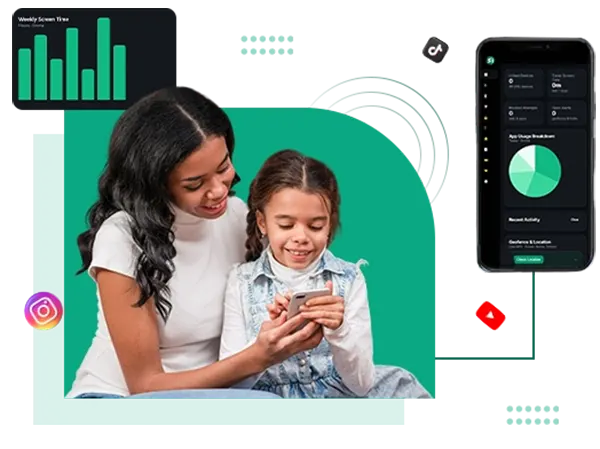
Honestly, there’s no one best app for everyone; it comes down to how much control and safety a parent actually needs. But the right choice usually depends on what parents actually need.
Best for Basic Screen Time Management
For basic screen time management, both Digital Wellbeing and Saferloop can help, but they work a little differently.
Digital Wellbeing is better for simple use. It already comes with most Android phones, so parents can quickly check screen time and app usage and set small limits without much setup.
Saferloop can do the same thing, but it adds more control along the way. Parents can manage usage in a more detailed way if they feel that minimal limits are not enough later on.
Best for Advanced Child Safety Monitoring
When it comes to deeper child safety monitoring, the difference between Digital Wellbeing and Saferloop becomes more noticeable.
Digital Wellbeing mainly focuses on screen habits and usage time, so its controls stay fairly lightweight. It works for light monitoring, but it doesn’t really go much beyond that.
Saferloop is built more around child safety itself. It gives parents better control over content exposure, app access, and overall device activity, which helps when parents want closer supervision instead of just screen time tracking.
Best for Building Healthy Digital Habits
When it comes to building healthy digital habits, it’s usually not about being super strict all the time. Most parents are just trying to create a better balance.
Digital Wellbeing helps kids become more aware of how much time they spend on apps and screens. Saferloop adds more structure on top of that with extra safety and monitoring features. Some families even end up using both, especially as kids grow older and their phone usage changes.
This is where the idea of Tortoise and Hare fits in pretty well, too. Slow and steady habit building often works better than suddenly taking everything away at once.
Choosing the Right Android Parental Control App for Your Family
There’s no single app that works perfectly for every family. Some parents only need basic screen time tracking and a few limits. Others want stronger safety features because their kids are younger, spend more time online, or are more exposed to random content and apps.
A lot of it depends on the child and how much supervision feels necessary. Digital Wellbeing works better for simple usage tracking and building awareness around screen habits. Saferloop goes a bit further with extra controls, monitoring, and safety features for parents who want more visibility.
Behind the scenes, a lot of companies use things like search engine marketing solutions and social media scheduling tool platforms to handle updates, communication, and app growth. But honestly, most parents aren’t thinking about any of that stuff while using the app.
They usually care about less complicated things, such as whether the app is easy to manage. Does it make daily phone rules less stressful? Can it help without creating arguments every single day?
That’s what matters more for most families. Parents mainly want enough control to keep kids safer online without making screen time feel like a nonstop fight at home.
Conclusion
At the end of the day, most parents just want a little more peace of mind when their kids are online. Not total control over everything, just enough to feel that things are safer.
Digital Wellbeing is more on the simple side. It helps with screen tracking, app timers, and basic limits. Good enough for parents who mostly want a general idea of phone usage without digging too deep into controls or monitoring.
Saferloop takes things further with extra safety features, monitoring tools, and more hands-on parental control. It’s better suited for parents who feel minimal tracking alone isn’t enough anymore.
At the same time, neither app magically fixes everything. They just help in different ways depending on what a family needs. Some parents prefer keeping things light, while others want stronger control because of how much time kids spend online now.
In the end, most parents are really just looking for a way to make phone use feel a little safer and less stressful while kids grow up around screens all the time.
Frequently Asked Questions
Is Digital Wellbeing enough for parental control?
What makes Saferloop different from Digital Wellbeing?
Saferloop focuses more on child safety and active parental controls. Along with screen time management, it also adds content filtering, monitoring tools, and stronger control options.
Can parents use both Digital Wellbeing and Saferloop together?
Yes, some families do that. Digital Wellbeing can help kids stay aware of screen habits, while Saferloop handles extra safety and monitoring features in the background.
Which app is better for younger kids?
For younger children, parents usually prefer stronger controls and safer browsing features, so apps like Saferloop often work better in that situation.
 Neha Sharma
Parental Control & App Safety Writer
About article
The author of this article Neha Sharma, an Parental Control & App Safety Writer at Saferloop, brings practical experience and industry knowledge to the subject.
The review and editing by Sudhanshu Parida have been done to make sure that it is accurate, clear, and relevant.
At Saferloop, we are determined to provide high-quality, well-researched, and updated content. To understand further how we produce and revise our articles, please refer to our Editorial Guidelines.
Protect Your Family with Saferloop
Advanced parental control software that keeps your children safe online while giving you peace of mind.
- Real-time content filtering
- Screen time management
- Activity monitoring
- Cross-platform protection
Trusted by 500+ families