Ans: The most common types of cyber threats are malware, ransomware, phishing, social engineering, and data breaches.
×

Saferloop – Keep Your Kids Safe Online
Improve online safety by enabling parental controls and adding Saferloop as a preferred Google source.
What are the Types of Cyber Threats? Online Risks, Cybersecurity Tools, and How Parental Control Apps Protect Kids
Cyber threats include stealing your sensitive information, infecting your system, and targeting your children with explicit content. These are the main concerns when you and your kids surf the internet.
As a concerned parent, you should stay till the end of this article to uncover the types of cyber threats, risks of poor cybersecurity, and cybersecurity tools, along with parental control software.
It helps you ensure your kids’ protection online.
Key Takeaways:
- Types of cyber threats include malware, ransomware, phishing, social engineering, DDoS attacks, and data breaches.
- You can encounter data loss, money loss, reputation damage, operational disruptions, and legal and regulatory consequences.
- Cybersecurity tools are used to protect your kids online with the help of SIEM, EDR, XDR, NDR, and CSPM tools.
- Being a parent, you can also use the Saferloop parental control app to restrict harmful content, block unsafe websites, and set screen time limits.
Table of Contents:
Types of Cyber Threats Harmful to Children
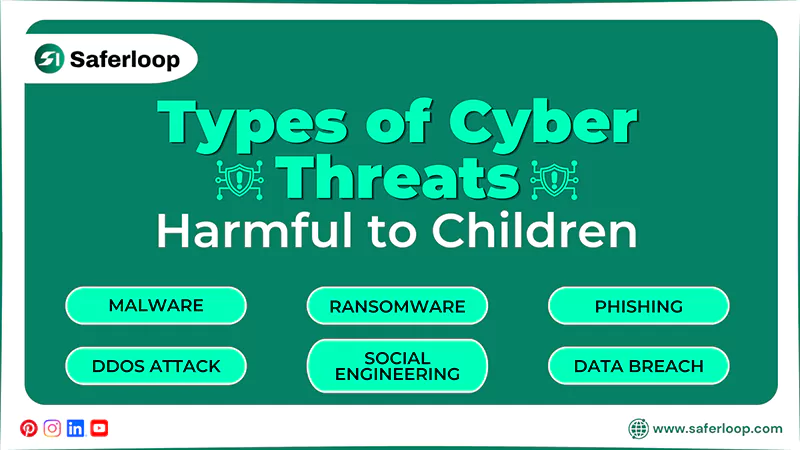
There is a wide range of cyber threats that hackers use to infect your children’s system, such as malware, ransomware, phishing, social engineering, DDoS, and data breaches.
Here are the following types of cyber threats to discover how attackers attack your kids’ systems.
1. Malware
Malware is also known as malicious software, or code that infects your children’s computers and compromises their data, documents, and other essential information. It focuses on infringing on the confidentiality, integrity, and availability of data.
Examples: viruses, trojans, spyware, and worms.
2. Ransomware
Ransomware is a type of malware and is a widely used method of cyberattack. It blocks your files or encrypts your data, demanding ransom (money) using online payments to regain access. This threat is hard to detect and uses encryption to encrypt files.
3. Phishing
Phishing is the most common cyber threat, where cyber attackers act as a legitimate person, including texts and calls from banks, employees, colleagues, or friends. They send malicious links and websites and create an emergency to force your innocent kids to click on them, resulting in theft.
4. Social Engineering
Social engineering attacks heavily rely on the nature of people. In this cyber threat, attackers try to manipulate your children to build trust through emails, social media, and voice calls. They use psychological tricks such as fear, greed, and urgency to obtain their personal information.
5. Distributed Denial of Service (DDoS) Attack
A Distributed Denial of Service (DDoS) attack is not a primary threat; it focuses on flooding a website with excessive traffic by disrupting normal traffic from many locations and services. This leads to the site slowing down and prevents visitors from accessing the services, affecting an organization’s reputation and causing financial damage.
6. Data Breach
A data breach is an intentional interference with unauthorized access to view, steal, and use confidential information. Not only this, but if you send an email to the wrong person or greedy employees who want profit, it can also lead to a data breach.
Risks of Poor Cybersecurity
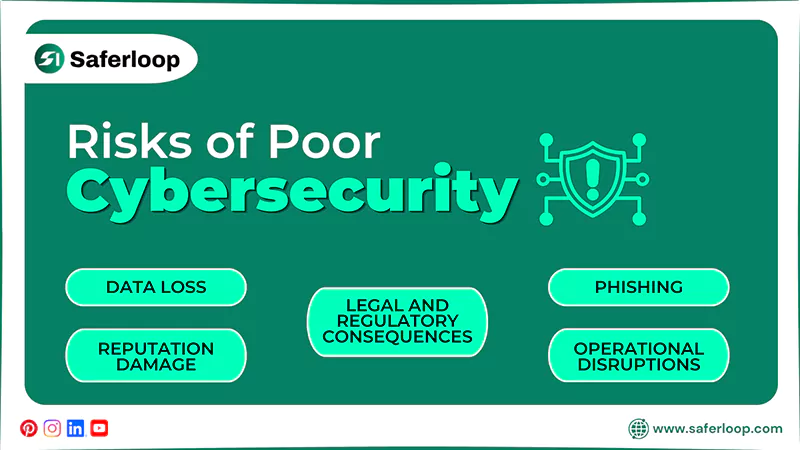
You and your children might face data loss, money loss, reputation damage, operational disruptions, and legal and regulatory consequences due to poor internet security.
Let’s take a look at this section to uncover the risks of poor cybersecurity.
1. Data Loss
One of the main targets of cybercriminals is getting unauthorized access to sensitive information. So, if your cybersecurity has a loophole, your kids’ data, facts & figures, and personal budget will end up in the wrong hands.
2. Money Loss
You might be aware of banking scam news; that’s the result of poor cybersecurity. Hackers can steal your financial details and transfer your money without your knowledge, and you will lose your hard-earned money within a few seconds.
3. Reputation Damage
If your children’s social media accounts are breached, it will lead to the exposure of personal data and online behavior. As a result, there could be a public shaming and damage to real-life reputation. Not only this, but it also affects future academics and employment opportunities.
4. Operational Disruptions
It is obvious that cyberattacks can slow down productivity and affect business operations, making it difficult for you and your children to complete tasks with integrity. This downtime can last for months, leading to slow growth and missed deadlines.
5. Legal and Regulatory Consequences
If a company fails to handle customers’ or other partners’ data responsibly, it will encounter legal and regulatory consequences. The government can impose penalties if someone misuses or leaks confidential information.
Also Read: Top 5 Best Web Filtering App for Android to Safeguard Children from Adult Content
What are Cybersecurity Tools to Protect Kids?
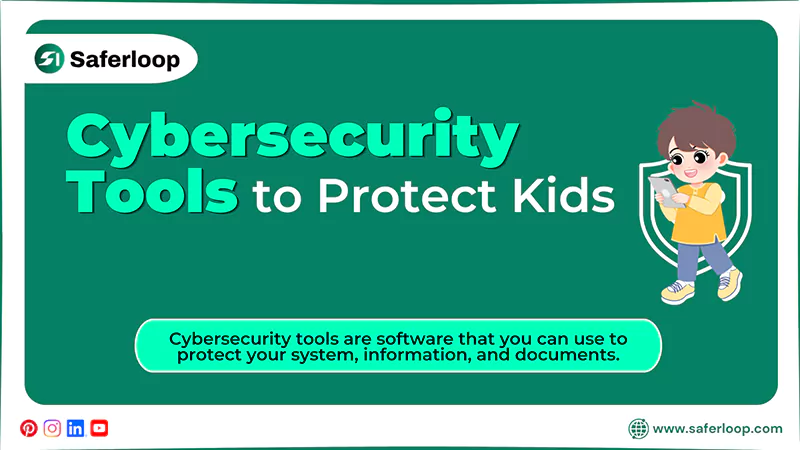
Cybersecurity tools are software that you can use to protect your system, information, and documents. These tools can identify if hackers try to interfere with your network, prevent them from gaining access, and work as a protector against their wrong intentions.
There are various cybersecurity tools that you can use to secure your data, such as:
1. Security Information and Event Management (SIEM) Tools
SIEM helps you see real-time detection when it collects data from various sources and filters authentic information to prevent theft. It also provides a comprehensive solution by detecting, analyzing, and improving security breaches and issues.
2. Endpoint Detection & Response (EDR) Tools
EDR tools help experts to analyze viruses, ransomware, or cyber threats at the endpoint, such as mobile devices, computers, laptops, and tablets, before they spread to other connected networks.
3. Extended Detection & Response (XDR) Platforms
XDR collects data or information from endpoints, clouds, emails, and SaaS apps to investigate threats, scams, and unauthorized access in real time. Additionally, it provides security operations for small, medium, and large companies.
4. Network Detection & Response (NDR) Tools
The NDR tool detects malicious activities from network traffic, utilizing AI and machine learning for deep observability and analytics. It expands the network visibility, improves investigation coverage and incident response, and reduces operational expense.
5. Cloud Security Posture Management (CSPM) Tools
CSPM automatically identifies risk by consistently monitoring threats and remediation workflows across cloud and infrastructure. In addition to this, it defends you against misconfigurations, insecure interfaces, unauthorized access, and account hacking.
How Does Parental Control Software Protect Children Online?
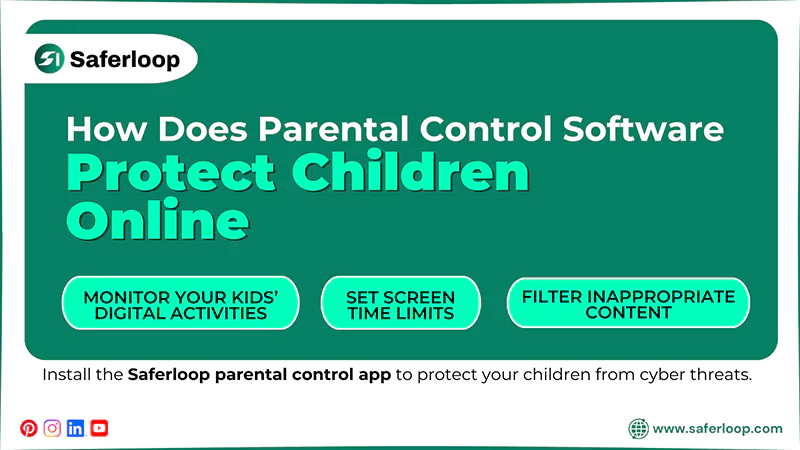
Parental control software helps parents provide safety features to block inappropriate content and restrict strangers to keep children safe on online platforms.
Therefore, I recommend that you install the Saferloop parental control app to protect your children from cyber threats. It offers a wide range of AI-powered safety features, including:
- Monitor your kids’ digital activities to keep track of their online behavior.
- Set screen time limits to encourage healthy offline habits.
- Filter inappropriate content to keep your children safe while browsing.
- Block unsafe apps and websites to create a safe digital environment.
- Send emergency alerts, reports, and SOS updates if something suspicious is detected.
- Track real-time location and create digital boundaries to keep track of their physical area.
- Provide the Saferloop safety checkup extension for Chrome to add an extra layer of security.
- Offer the Saferloop AI version that guides digital parenting issues.
On the whole, the Saferloop parental control app offers a top-notch solution for your parental needs and gives you peace of mind.
Wrapping Up!
You can now understand that preventing children from different types of cyber threats is important for a safe online experience. Hence, cybersecurity protects them from viruses, malware, hackers, and phishing attempts.
On the other hand, you can also install the Saferloop parental control app for your kids’ devices to keep an eye on their online activities, limit screen time, and block inappropriate content.
Author’s Note:
At first, I didn’t pay much attention to cybersecurity. However, after knowing and encountering cyber threats, I am concerned about my children’s online safety as they spend more time on social media.
Now, I use cybersecurity alongside the Saferloop parental control app to monitor my kids’ online activity, set screen time limits, and easily block strangers on my own smartphone.
Frequently Asked Questions
Q: What are the most common cyber threats?
Q: How can you protect your children against cyber threats?
Ans: You can use a parental control app like Saferloop or an antivirus software to protect your kids against cyber threats.
Q: Why is online safety important for children?
Ans: Online safety is important for children to protect them from predators, cyber criminals, and abusive content because it can affect their mental and physical well-being.
 Srikanth Panasa
Cybersecurity Analyst and Online Safety Specialist Writer
About article
The author of this article Srikanth Panasa, an Cybersecurity Analyst and Online Safety Specialist Writer at Saferloop, brings practical experience and industry knowledge to the subject.
The review and editing by Evan Patterson have been done to make sure that it is accurate, clear, and relevant.
At Saferloop, we are determined to provide high-quality, well-researched, and updated content. To understand further how we produce and revise our articles, please refer to our Editorial Guidelines.
Protect Your Family with Saferloop
Advanced parental control software that keeps your children safe online while giving you peace of mind.
- Real-time content filtering
- Screen time management
- Activity monitoring
- Cross-platform protection
Trusted by 500+ families