
Ans: You should download the Saferloop parental control app on your kid’s device > create an account > link with your device, and Saferloop is ready to monitor their activities.
×

Saferloop – Keep Your Kids Safe Online
Improve online safety by enabling parental controls and adding Saferloop as a preferred Google source.
Saferloop: Safe Kids App for Android | Explore Features, Step Up Guidance, and Trustworthiness
Saferloop parental control app provides advanced safety features for kids to protect them from cyberattacks and predators on digital platforms, making it a safe kids app for Android.
The app includes GPS tracking, screen time limits, web filtering, app management, and much more. So, as a concerned parent, you should stay till the end of this article to understand how Saferloop parental controls protect kids on social media.
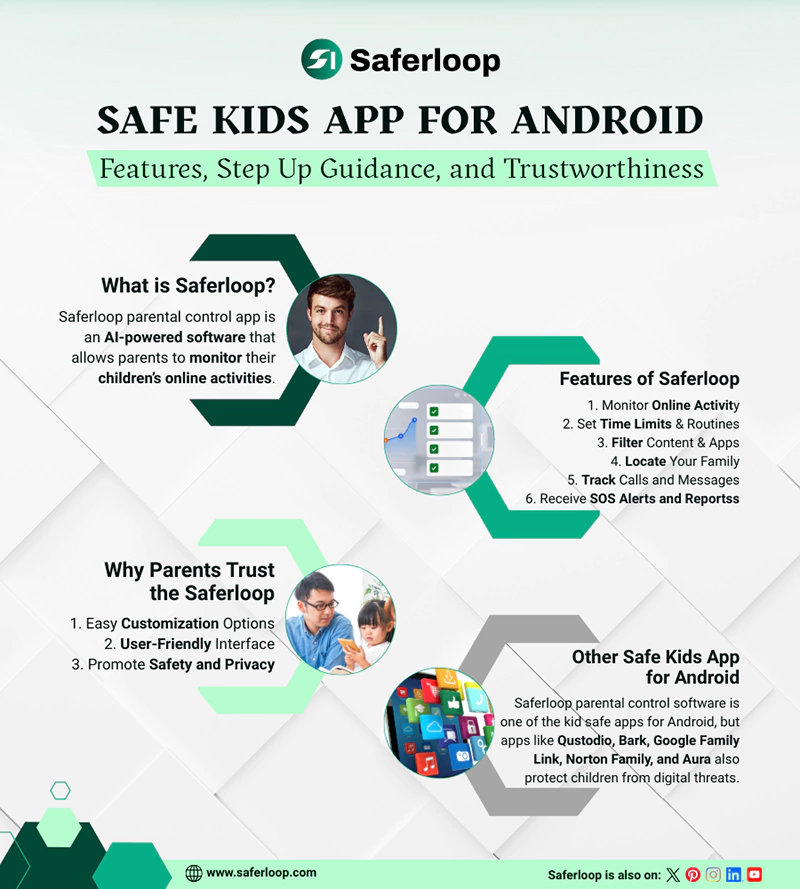
Table of Contents:
- Saferloop Parental Control App: A Smarter Way to Keep Kids Safe on Android
- Features of Saferloop: Safe Kids App for Android
- How to Set Up the Saferloop Parental Control App?
- Why Parents Trust the Saferloop as a Safe Kids App for Android
- 5 Other Safe Kids App for Android
- Wrapping Up!
- Frequently Asked Questions
Saferloop Parental Control: A Safe Kids App for Android
Saferloop parental control app is an AI-powered software that allows parents to monitor their children’s online activities. It offers robust content filtering, screen time management, and blocking inappropriate content to safeguard your little ones on digital platforms.
Unlike traditional control apps that feel overly restrictive, it focuses on balanced digital parenting. You can seamlessly customize all settings for your children’s browsing from your own device.
As a result, installing Saferloop will turn out to be a safe kids app for Android that gives you peace of mind and ensures your children’s safety while surfing the internet.
What are the Features of Saferloop?
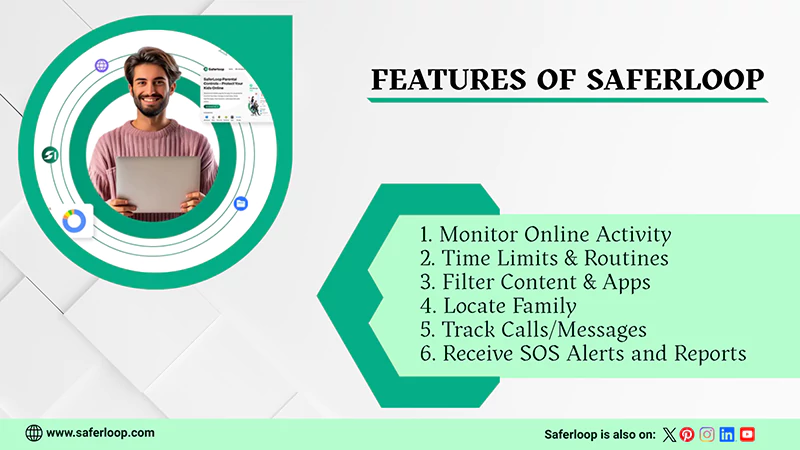
The advanced safety features and tools, including, blocking, filtering, and screen time limits, make Saferloop a safe kids app for Android.
Let’s skim through the following key features to understand why Saferloop is essential for kids’ safety.
1. Monitor Online Activity
You will get real-time insights into your kids’ online behavior by installing the Saferloop app. It allows you to inquire about the following questions related to your children’s safety:
- Which apps are being used the most?
- How long have they been active?
- Access their YouTube history and screen habits
This helps you to prevent them from harmful content and make an informed decision to enhance their safety.
2. Set Time Limits & Routines on Devices
With this smartest parental control app for Android, you can manage screen time on devices and establish structured routines, such as:
- Set screen time limits for apps, games, and phone usage
- Schedule usage hours for school days, weekends, and bedtime
This enables you to balance their online and offline lifestyle with ease and encourages them to engage in physical and mental activities.
3. Filter Content & Apps
Using this web filtering feature, you can block all inappropriate content and harmful websites from your kids’ devices, like.
- From app searches to YouTube videos
- From website searches to social media accounts
It allows you to restrict unknown access to prevent danger and create a safe digital environment for your kids with just a few clicks.
4. Locate Your Family
Additionally, the Saferloop parental control app provides a powerful location tracking and geofencing feature. It can allow you to:
- See your children’s real-time location and track them.
- Build digital boundaries around their school and friends’ houses
- Receive emergency alerts if they cross digital boundaries
In uncertain conditions, this feature helps you to stay informed about your children’s real-time location.
5. Track Calls and Messages
Unlike other kid safe apps for Android, Saferloop directly monitors and tracks calls and messages on social media accounts and devices, such as:
- Track incoming and outgoing calls and messages, along with recordings
- Restrict explicit and offensive words and slang terms like KYS and BOP
It also provides access to block spammers and strangers from your phone, providing an extra layer of protection.
6. Receive Alerts, Reports, and SOS Updates
It’s frustrating to regularly check in on your kids’ activities, which is why Saferloop sends alerts, reports, and SOS updates.
- Create weekly reports of your little ones’ digital footprint automatically
- Send emergency alerts if something suspicious is detected
Overall, this parental control app keeps an eye on every single digital action to inform you and ensure children’s online safety.
Also Read: Best Parental Control App for iPhone: Every Parent Must Know About
How to Set Up the Saferloop Parental Control App?
To set up the Saferloop parental control software, download the app > create accounts > link the devices, and customize all settings.
Here, I’ve mentioned step-by-step guidance on how to set up this parental control app.
Step 1: Download the Saferloop parental control app on devices.
Step 2: Create an account (parent login and child login) on your and your child’s device with your email address and password.
Step 3: On the parent device, go to the Devices and enter your child’s name and device model.
Step 4: Then, click on the Generate a Link option, and a 6-digit code will appear in the drop-down list.
Step 5: On the child device, tap on the Pair option and enter the 6-digit code and your name.
Step 6: Click “Pair Now” to link the parent and child devices.
Step 7: Now, you can customize all features, including screen time management, content filtering, and more, from your phone.
Why Parents Trust the Saferloop as a Safe Kids App for Android
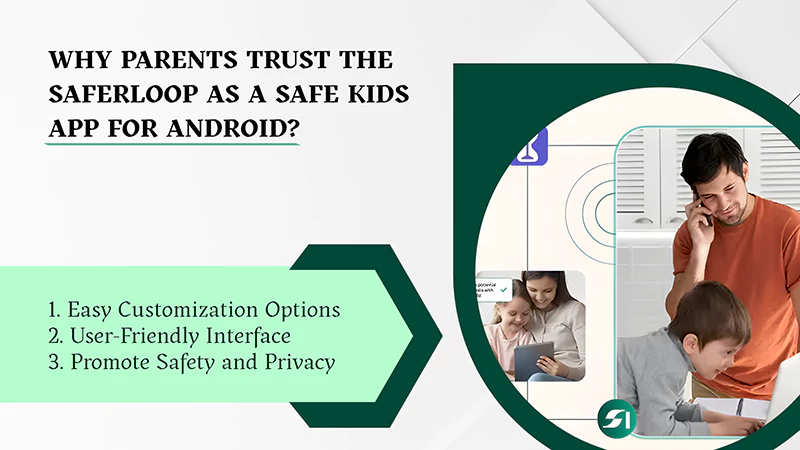
Parents trust the Saferloop parental control app because it prioritizes safety and privacy over micromanagement and customizes settings to suit the requirements of kids.
Here I’ve jotted down unique features, exploring why Saferloop is a trusted partner of helicopter parents.
1. Easy Customization Options
Whether you are monitoring a six-year-old or a thirteen-year-old kid, Saferloop provides highly customizable content filtration and app blocking to match your specific needs perfectly.
2. User-Friendly Interface
Non-technical parents can use the app and customize all settings with just a few clicks. The simple and intuitive single dashboard helps parents manage screen time and apps and track location effortlessly.
3. Promote Safety and Privacy
When you choose this safe kids app for Android, your kid will stay informed and secure at the same time from cyberattacks and threats. Additionally, you get the power to allow or delete the apps and websites for your children.
5 Other Safe Kids App for Android
Evidently, Saferloop parental control software is one of the kid safe apps for Android, but apps like Qustodio, Bark, Google Family Link, Norton Family, and Aura also protect children from digital threats.
Let’s dig deeper into the following 5 other best parental control apps in great detail.
1. Qustodio
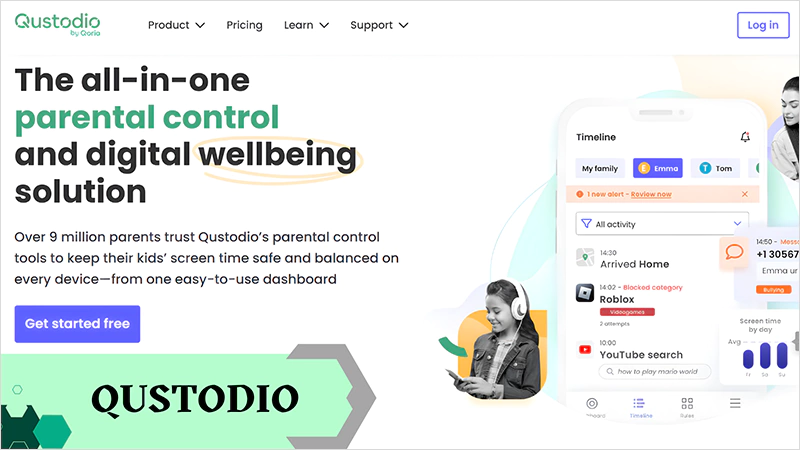
Qustodio provides comprehensive parental control features, including screen time management, geofencing, location tracking, and blocking harmful content for ages 5-17. However, it offers robust safety tools in the premium plans instead of the free package. Also, read the Saferloop Vs Qustodio to have in-depth guidance about which parental control is best for you.
2. Bark
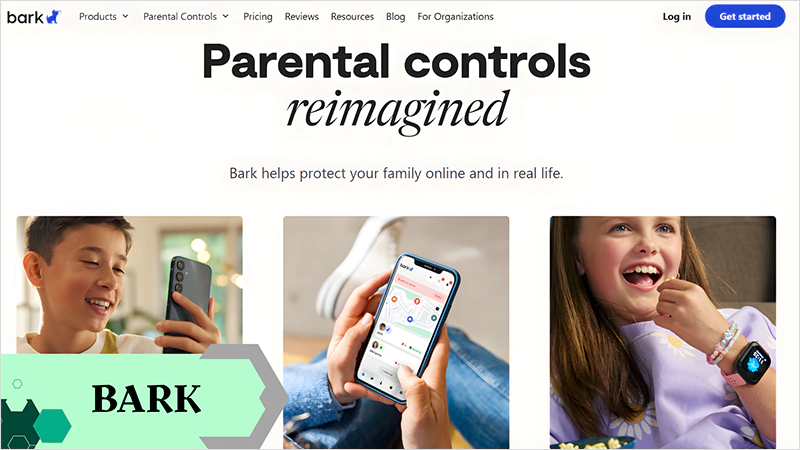
Bark is excellent at monitoring texts, emails, calls, and social media apps to focus on children’s safety without needing full access. Moreover, it offers web filtering and location tracking like Qustodio.
3. Google Family Link
Google Family Link is widely known for its free parental control services, which are best for Android monitoring. It offers basic features, like app management, screen time limits, location tracking, and content filtering for younger kids. You can also read the Saferloop Vs Family Link for detailed features that help you make informed decisions.
4. Norton Family
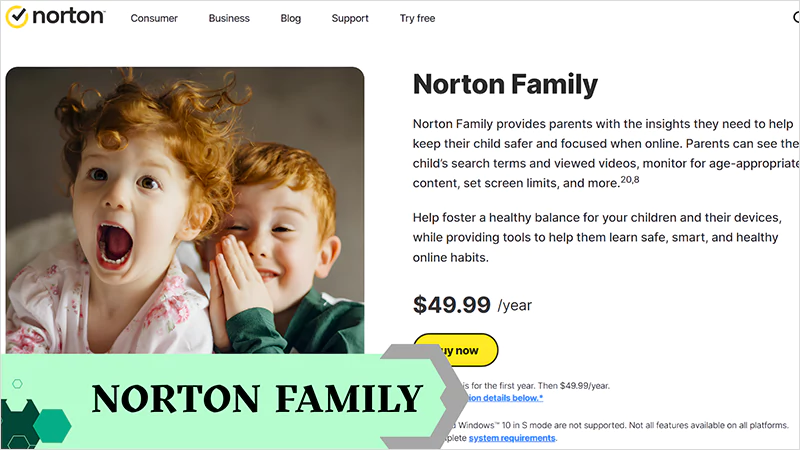
Norton Family is ideal for families with teens and provides support across multiple devices (both iOS and Android). Similar to other parental control apps, it provides GPS tracking, safe browsing, and content filtering on paid plans.
5. Aura
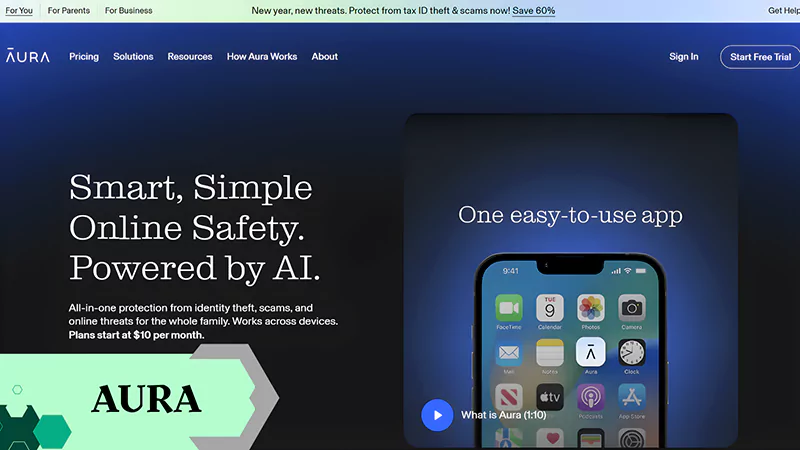
The Aura parental control app focuses on helping families to ensure children’s digital safety across all devices. It combines screen time control, online safety monitoring, and AI-powered tools to guide kids’ online behavior.
Wrapping Up!
On the whole, the Saferloop parental control app is a safe kids app for Android and iOS devices. That’s why you should opt for the Saferloop app and safety checkup extension to add an extra layer of security to your children’s accounts.
It ensures the online safety of your innocent little ones from predators and cyberattackers, giving you peace of mind. Additionally, it prioritizes monitoring and guiding kids about digital scams instead of controlling their lifestyle.
Author note:
I have been using the Saferloop parental control app for years to keep track of my children’s online behavior, real-time location, and filter inappropriate content. It is one of the best and safest parental control apps that offers comprehensive features with budget-friendly plans.
Also Read: How to Set Up YouTube Parental Controls? 4 Easy Methods
Frequently Asked Questions
Q: How to set up the Saferloop parental control app on my kid’s device?
Q: How do I schedule daily limits on Android?
Ans: You can go to the “Screen Time” option in the menu bar to schedule daily limits on Android after setting up the Saferloop parental control app.
Q: How do I block inappropriate websites on Android?
Ans: On the Saferloop parental control app, you can click on the “Web Filters” option in the menu bar to block inappropriate websites on Android.
Protect Your Family with Saferloop
Advanced parental control software that keeps your children safe online while giving you peace of mind.
- Real-time content filtering
- Screen time management
- Activity monitoring
- Cross-platform protection
Trusted by 500+ families