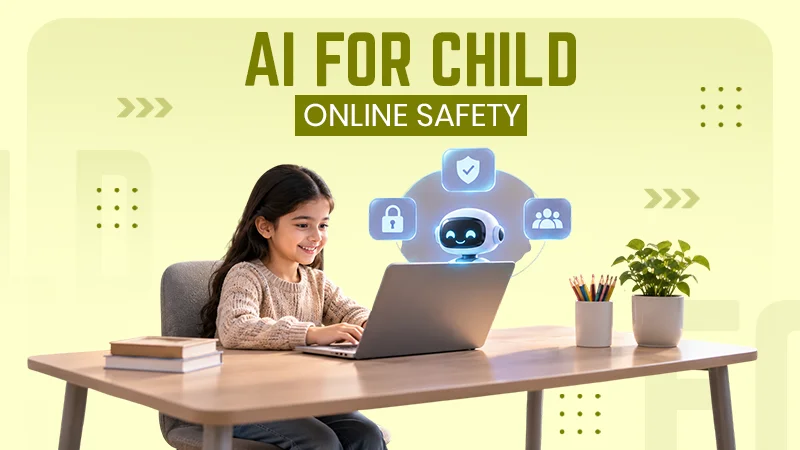
Not an age restriction; procedures involve security threats. Whenever your child tries to handle or manage such issues, then it’s time. But you should understand that the kid still needs parental controls as growing older.
×
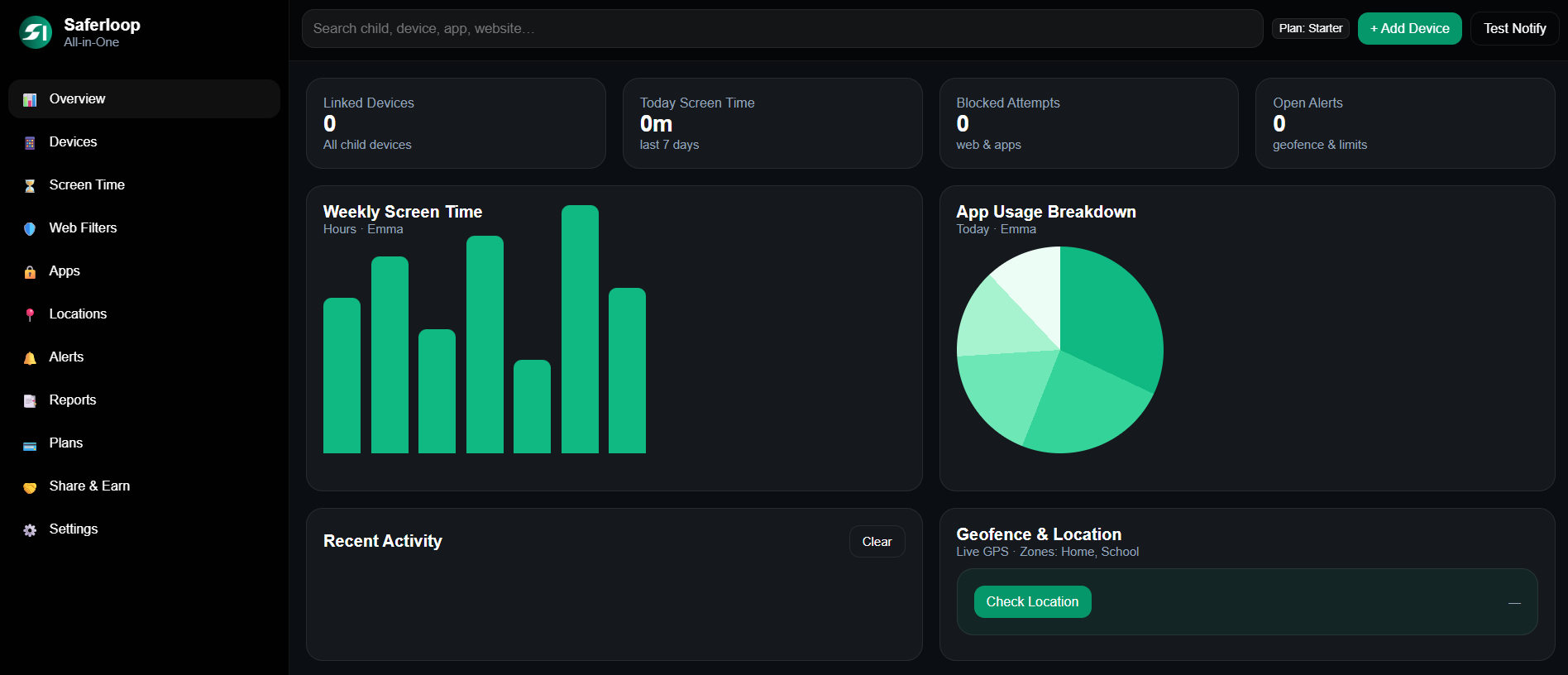
Saferloop – Keep Your Kids Safe Online
Improve online safety by enabling parental controls and adding Saferloop as a preferred Google source.
From Kids to Grandparents: How to Keep Every Generation of Your Family Safe Online

I got two texts last month from family members. The first was from my mom. She sent a message asking, “Should I give my card details to this courier company? They’re saying they need it to redeliver my parcel.”
Two days later, I got another message. This time it was from my nephew. He asked, “Is it considered bullying if the classmates that are in the group chat are all bullying the same person?”
Those messages were sent from the same household in the same week. Different messages. Different issues. No solution for either case.
When it comes to family internet safety, no one tells you the particulars. What I’ve started to notice as my family members get older is something that’s surprisingly consistent.
Table of Contents:
The Part That Doesn’t Change
The rule is the same at every age: you need a safe place to go when you need help. Also need to believe that place will not put them in trouble for seeking help.
Beyond this, there are differences. Young children may need more of a filter. Older children may need more of an open discussion.
Some people may need to seek advice and counseling before they make decisions that change their life (e.g., getting married). However, they need to feel confident that the people they tell will not put them in trouble for seeking their help.
There are families who have a better sense of how to prioritise screen time without constantly targeting the youngest member of the family, and this can ease the family’s ability to have difficult conversations.
Young Kids: Guardrails Do Most of the Work

Set It Up Once, Properly
There are a lot of technical controls, and that’s good. Around ten and under, you probably aren’t going to explain the intricacies of parental controls to a child. Set restrictions to control access to age-appropriate content at the account level, or, if you prefer, don’t allow access to the account altogether.
Most kids are restricted by their access to games, which have controls that are dispersed across different devices and accounts. Make sure you adjust the parental controls settings in the game and on the console, as well as in the game store. Inconsistent menus across different games lead to variability in the controls and make it difficult to create comprehensive guidance for controls in games.
What Controls Can’t Do
Don’t include the iPad or even Chromebook. None teaches your kid about blocking and tries to learn differently than usual. Your kid doesn’t know anything about filters, and their friends are also not aware of this. All pop-ups that are unknown give problems to encounter and feel weird all the time.
Tweens and Teens: From Blocking to Talking
As your child grows, it’s impossible to block or filter everything. After it crosses 13 it can encounter such things by own without taking concern or sharing them with you anymore.
Did You Know?
About cyberbullying, the most difficult task is to get your child ready to talk freely. In 2026, the UN reported that the fewest cases are reported under this issue, which creates a greater impact on kids’ mental health. If your child stays silent, that doesn’t indicate that they have nothing to say. Parents understand the situation and firmly ask about the incident and do not try to intimidate or take away access to the device that a child has
Being available 24/7 does not ensure home safety. It’s just a security issue with a phone that has value in their minds. For kids, home is where the phone is; parents need to handle this situation carefully.
When It Stops Being a Tech Problem
Such online indication is not necessarily the problem, but it would be a reason.
Signs like escaping friends‚ changes in sleep patterns‚ and suddenly silent children who used to talk about everything are not problems you solve with monitoring software․ Knowing when to reach out to a therapist is part of the same job as knowing which filter to turn on for which websites․ It’s the part that I put off the most prolonged․
Start by going to the school counsellor for mental health services‚ it is low stakes for you, and they have dealt with this before․
Parents: You’re Setting the Ceiling
The main truth is that your habits with your phone resemble your child’s habits, and this doesn’t make any distinction.
If you come to dinner and you put your screen on the table face-up‚ then that’s the house rule‚ even if it was never specified․ I’ve seen it happen in my family more than once․ It becomes custom after a certain point‚ because those were the rules the parents followed first․
The less common failure mode for adults goes the other way․ If they’re the helicopter parents who read every single message‚ they tend to learn less over time because the conversation just moves to an app they’re not familiar with․ Monitoring must be obvious, proportionate‚ and gradually reduced as the child grows and earns increasing rights․
Grandparents: Different Threats, Same Logic
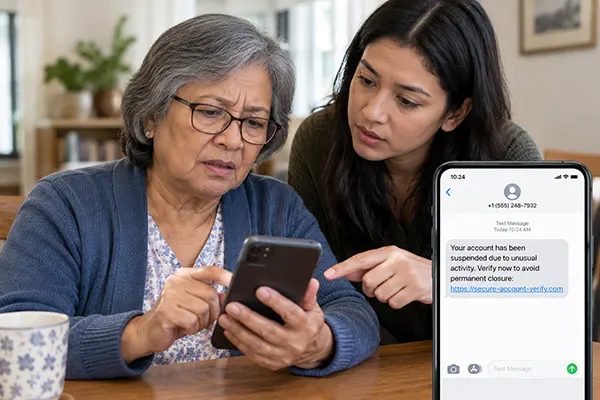
The Scams That Actually Work
The simple trick followed is looks genuine. Older messages have a lot of correction on scentences. But now there seems real, with bank urgency or company-requested details demands without delivery. Keep in mind to call the real person with your existing details; then you can proceed with sensitive information.
The Offline Half of the Same Plan
The National Council on Aging reports confirm that over 65-year-old Americans who live alone and have no one to guide them face online scams. It also adds about oldcategory have overcome the issue with alarm signals or by clock pendant that can provide safety protection against threats. The Life Assure emergency call button also gives them assurance. It also states that this indication doent represents that older adults are prone to scams easily.
Your Weekend Safety Check
A fast checklist you must include in your routine to avoid mistakes.
- All the devices are covered with security or biometric lock.
- Under 13 users’ access details are monitored or controlled by you.
- Two-factor authentication is a must for email and banking-related frameworks.
- You should ensure your child talks about every detail without concerning to be punished.
- You should turn on location sharing settings on every device that is in the home.
- Similar passwords are strictly avoided for different accounts unless needed.
Wrapping Up
The initial measures are when the system automatically recognizes the threat, and the device most probably handles the person who has the most knowledge about controls. Saferloop’s article points out the safety controls, monitoring for child safety, and family guidance.
After this happens, this situation is easily handled by the administration, and nothing gets damaged in security.
Families who are free to make conversation with each other are less affected by online scams. No security app is better than your real conversation about threats that happen nowadays.
Frequently Asked Questions
At what age should I stop using parental controls?
How do I bring up scams with a parent without sounding patronising?
Basic conversation about common scams that you notice discussed firmly with family members, and try to educate every person so that it cant never happen to them.
Is monitoring my teenager’s messages a betrayal of trust?
Try to disclose the truth behind monitoring your child’s controls and convince them of the threat that you face. Basically, if your child knows, then it won’t be a problem, and it also helps the child not visit such sites, apparently.
What’s the single most useful thing to set up first?
The technique provided to stop the attackers is Two-factor authentication. It can help you add a security layer over password controls that hide your identity from others.
Sources
cyberbullying – What Is Cyberbullying, StopBullying.gov, U.S. Department of Health and Human Services (persistent, permanent and hard-to-notice characteristics)
falls prevention – National Council on Aging (one in four adults 65+ falls annually; falls are common but not a normal part of ageing)
 Srikanth Panasa
Cybersecurity Analyst and Online Safety Specialist Writer
About article
The author of this article Srikanth Panasa, an Cybersecurity Analyst and Online Safety Specialist Writer at Saferloop, brings practical experience and industry knowledge to the subject.
The review and editing by Vinithra Karunanidhi have been done to make sure that it is accurate, clear, and relevant.
At Saferloop, we are determined to provide high-quality, well-researched, and updated content. To understand further how we produce and revise our articles, please refer to our Editorial Guidelines.
Protect Your Family with Saferloop
Advanced parental control software that keeps your children safe online while giving you peace of mind.
- Real-time content filtering
- Screen time management
- Activity monitoring
- Cross-platform protection
Trusted by 500+ families