
Improve online safety by enabling parental controls and adding Saferloop as a preferred Google source.
Digital Safety on Vacation: How Smart Tech and Parental Controls Protect Kids in Hotels


Family holidays should be about getting away from the hustle and bustle of daily life, but the online activities of the children are hardly ever on vacation. With hotel WiFi, smart TVs in the room, tablets and smartphones, kids have all the means to stay connected.
What is more, new WiFi connections and shared gadgets put them at risk of dangers that parents might fail to see immediately. An accidental connection to the wrong WiFi network or an automatic login to some streaming website will add some stress to what should be a relaxing holiday.
Keeping kids safe online in hotels takes a little preparation, the right smart technology, and parental controls that work wherever the family goes.
Why hotel networks deserve a second look
Hotel Wi-Fi is much like the sofa in the lobby because you never know which people sat in the same place one hour earlier. Hotels aren’t blind to this. In VikingCloud’s 2025 State of Hospitality Cyber Report, 66% of the hotel IT and security executives surveyed expected attacks to become more frequent that summer, and 56% put guest Wi-Fi on the list of riskiest guest-facing systems. Zimperium’s research adds more numbers: over 5 million unsecured public Wi-Fi networks since early 2025, and 33% of users connecting to them.
Kids complicate things further. Picture a nine-year-old who opens the network list, spots “Hotel_Guest” next to “Hotel_Guest_Free”, and has zero way of telling which one the hotel actually runs (plenty of grown-ups would just tap and hope).
Then comes the hotel’s own side, which the guests hardly ever see. Hospitality software, from property management systems and guest self-service apps to hotel management tools built with security in mind, determines how guest data is stored and how check-in, digital room keys and service requests behave in practice. Development services of this kind are described at https://svitla.com/industries/hospitality-software-development-services/, which gives a decent idea of how much of the guest experience gets settled behind the scenes. Up-to-date, well-maintained systems also mean fewer reasons to pass personal details around on paper forms or odd little kiosks. Up-to-date, well-maintained systems also mean fewer reasons to pass personal details around on paper forms or odd little kiosks.
What smart hotel technology can actually do
Two features carry most of the invisible load. Network segmentation splits one Wi-Fi network into separate lanes so a guest’s device can’t snoop on its neighbors or on hotel systems, and encrypted guest Wi-Fi scrambles whatever travels between a device and the router. It is rare for parents to come into contact with either, until something malfunctions.
A few questions are worth asking at the desk. Does every room get its own Wi-Fi password? Is guest traffic walled off from hotel systems? Can the room TV be signed out of apps at checkout? Does the hotel’s app request only the data it needs?
Smart TVs get overlooked. Casting a cartoon from a phone seems harmless, yet a parent’s streaming login left on a shared screen is a different thing entirely. Sign out before leaving. Always.
Self-service guest apps lend a hand too. Check-ins, key cards, service requests: all of that from the parent’s personal cell phone rather than a shared screen or paper forms.
Parental controls: the layer families control
Hotels pay for half, while parents pay the other half. In January 2026, the American Academy of Pediatrics published a policy statement, “Digital Ecosystems, Children and Adolescents”, arguing that screen time limits by themselves probably won’t cut it, and that parents should watch content, not just minutes. Its lead author, Dr. Tiffany Munzer of the University of Michigan, noted that many platforms are built on a business model meant to “keep users engaged for as long as possible”, which is a good reason to look at what kids actually do on a screen. The AAP also likes media-free zones such as the car or the dinner table, and on holiday that could easily stretch to restaurant evenings and beach hours.
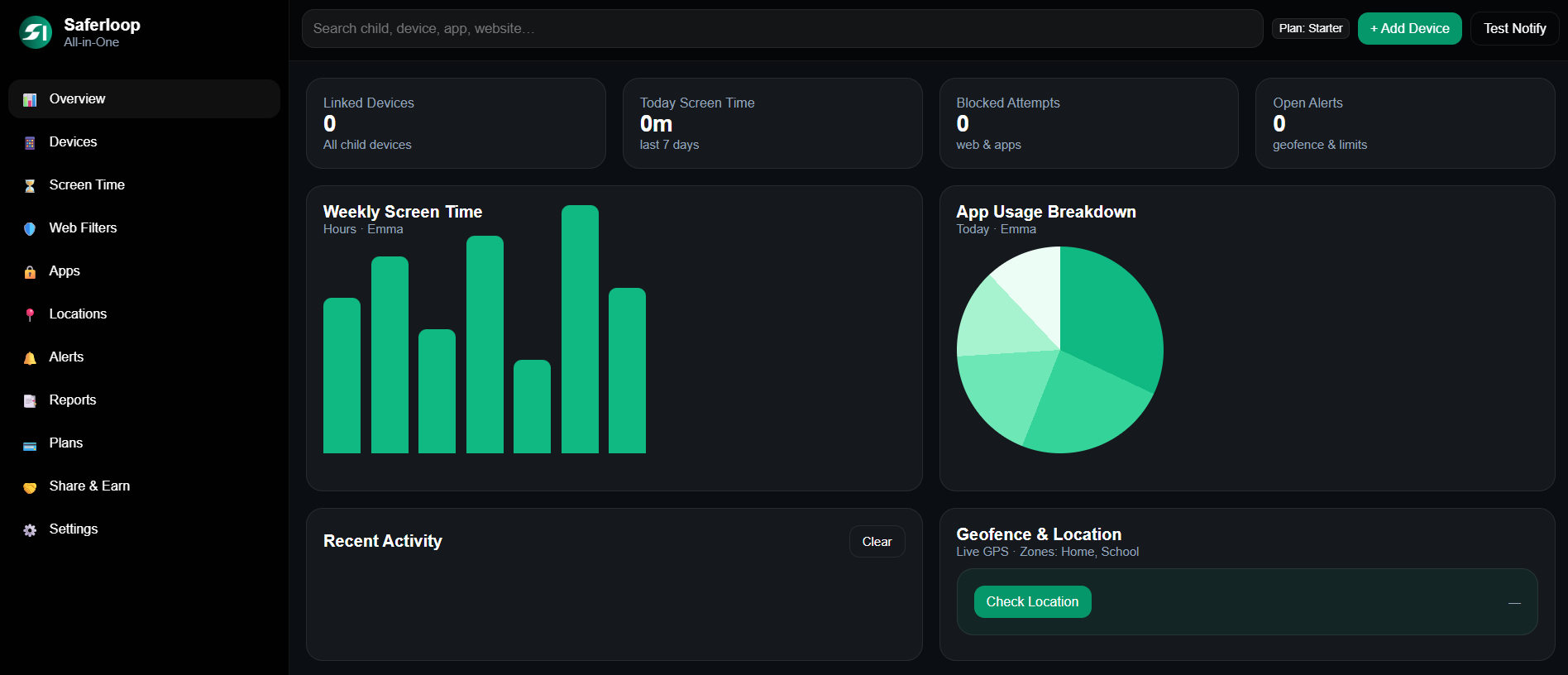
Modern parental controls manage the basics, meaning web filtering, app limits, downtime schedules and location sharing, and some tools, Saferloop among them, bring app management, web filtering, screen time controls and location tracking together in a single dashboard so parents don’t have to track through five different settings menus halfway through a trip.
Ordinary moments show why this matters: a filter blocks the adult site a sleepy kid stumbles on at 10 p.m., a downtime program shuts games off at bedtime without anyone having to argue, and location sharing helps a parent find a ten-year-old who drifted away in a packed resort lobby.
A simple pre-trip checklist
- A week out: update devices and apps.
- Set up filters and app limits at home first, then try them on a different network, since it’s easier to fix a glitch in the kitchen than in a crowded lobby.
- Time to wind down before bed, adjusted to the destination time zone, rather than that of home.
- A reputable VPN, which wraps traffic in an encrypted tunnel, installed on every device that will touch hotel Wi-Fi.
- A family rule everyone knows by heart: no unknown networks, and no tapping “accept” on a pop-up without asking first.
- Before checkout, sign out of streaming and shopping accounts on the room TV.
Final thoughts
Safe holiday habits really come down to layers, with hotels handling the network and the apps while parents handle the devices and the ongoing chat about what’s okay, because neither side can cover the whole room alone. Kids will still hit the wrong button once in a while (it’s part of being a kid), but decent settings keep that mistake small. The review of the regulations prior to packing the bags is helpful; keeping the gadgets from entering the bedroom is useful too, and then the evenings could be spent enjoying the view of the sunset. Safe travels.
FAQs
How can hotel Wi-Fi be considered a potential security threat to kids?
Hotel Wi-Fi usually connects many guests, so it is more difficult to distinguish which networks are authentic and secure. There are chances that children could connect to non-reliable networks or face any security threats while browsing the internet.
What does network segmentation in hotel Wi-Fi mean?
The term network segmentation means the separation of guests’ equipment from all other parts of the hotel system.
Are smart TVs in hotel rooms safe for kids?
While the use of a smart TV could be helpful, any saved streaming accounts and personal data will still be available after using the accommodation. Parents need to monitor their use of the TV and sign out of all accounts.
Why do parents need to update their devices before traveling?
Updates to the device and applications usually contain some security features. Installing these updates before traveling will help avoid any issues while being connected to an unfamiliar Wi-Fi network at the hotel.
 Divya Kakkar
Internet Content Writer
About article
The author of this article Divya Kakkar, an Internet Content Writer at Saferloop, brings practical experience and industry knowledge to the subject.
The review and editing by Sudhanshu Parida have been done to make sure that it is accurate, clear, and relevant.
At Saferloop, we are determined to provide high-quality, well-researched, and updated content. To understand further how we produce and revise our articles, please refer to our Editorial Guidelines.
Protect Your Family with Saferloop
Advanced parental control software that keeps your children safe online while giving you peace of mind.
- Real-time content filtering
- Screen time management
- Activity monitoring
- Cross-platform protection