Ans: Parents should install the Saferloop parental control software to ensure children’s online safety. You can set screen time limits, block unsafe apps, restrict strangers, and track real-time location.
×

Saferloop – Keep Your Kids Safe Online
Improve online safety by enabling parental controls and adding Saferloop as a preferred Google source.
10 Smart Parenting Tips to Keep Your Kids Safe Online and Offline
Your little ones always love to learn new things on social media. This can be concerning for parents because of cyberattacks, scams, and online threats. That is why you should follow parenting tips to ensure your children’s online safety.
Uncover the top 10 smart parenting tips, online risks your kids face, and how to protect your children as a parent in this article.
Let’s dive deeper without any further ado!
Quick Answer:
You should talk to your children, be a role model, set rules, use a parental control app, teach them safety measures, check their social media posts, build strong relationships, show trust, and report online abuse to protect them.
Table of Contents:
10 Parenting Tips to Ensure Your Children’s Safety
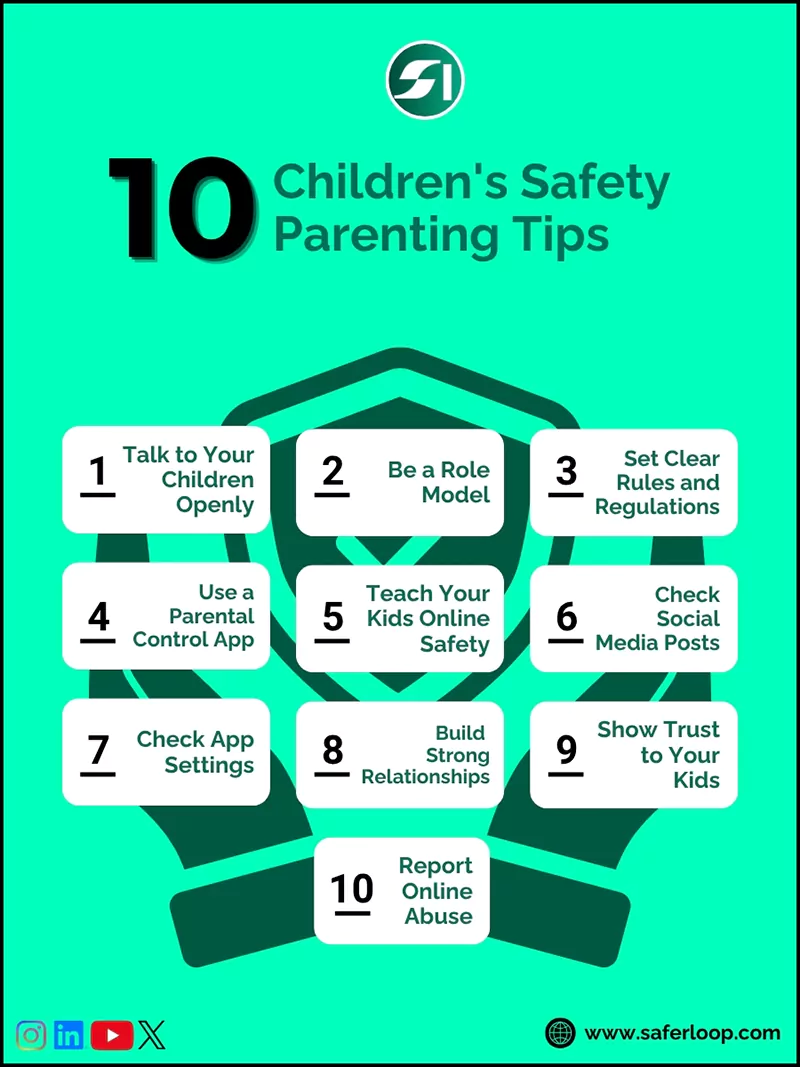
Follow parenting tips such as encouraging open discussion, establishing rules, installing parental controls, teaching safety measures, and checking social media posts.
Here, I’ve mentioned the best 10 tips on parenting skills for your guidance.
1. Talk to Your Children Openly
You should talk to your children openly about online risks, derogatory words, stalking, and inappropriate content. It helps them to stay attentive while surfing the internet or Instagram and Facebook.
2. Be a Role Model
Your innocent kids always look up to you. This means that you should also limit your screen time, not use your phone around them, and have a day without technology at home. This way, they will learn good habits from you automatically.
3. Set Clear Rules and Regulations
Make clear rules and regulations about what your kids are allowed to do online and offline. This includes how they can spend time online, approve friend requests, interact with whom they can communicate online, and what words they can use. It helps you balance their online and offline lifestyles easily.
4. Use a Parental Control App
Set up the safest parental control app, like Saferloop, to manage your kids’ online activities from your devices. You can limit screen time, block apps, filter content, track real-time location, and use geofencing.
5. Teach Your Kids Online Safety
Educate your little ones on safety measures, like not sharing personal information or passwords, how to block or report strangers on social media, and not clicking on unknown links. It helps them make informed decisions when you are not around them.
6. Check Social Media Posts
You should check out your children’s social media posts, stories, and gaming communities to see what they are doing online. Their posts and stories will indicate their emotional status and friend circle. Also, remember not to check their messages directly, as it invades their privacy.
7. Check App Settings
Review the app settings and turn on built-in parental controls to add an extra layer of security to your kids’ devices. This way, you can block explicit content and unknown people from slipping into their accounts.
8. Build Strong Relationships
Instead of just using a parental control app, you should focus on building strong and emotional relationships with your innocent little ones. It helps them to feel comfortable sharing what happens in their lives without forcing them.
9. Show Trust to Your Kids
You should trust your kids and tell them that you are worried about their online safety and privacy, rather than controlling their lifestyles. It helps them to understand you better and follow your instructions without arguing.
10. Report Online Abuse
If your kids are bullied or face inappropriate content online, you can report it to legal authorities right away. These entities include the Federal Bureau of Investigation (FBI), Internet Crime Complaint Center (IC3), and your local police station.
Risks for Children on Digital Platforms
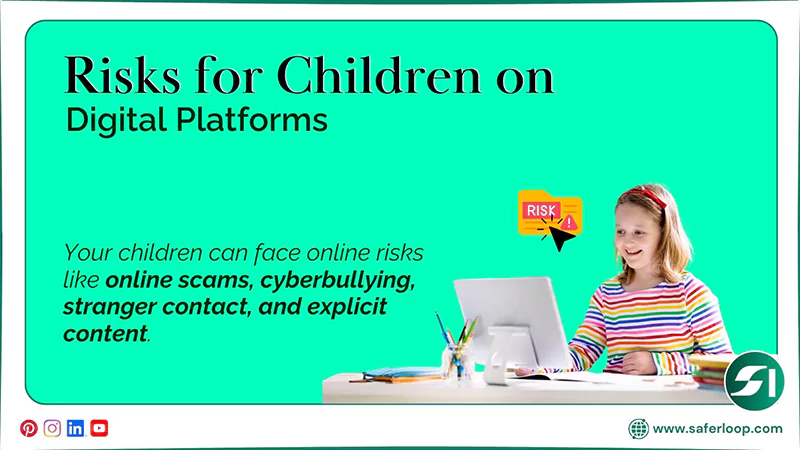
Your children can face online risks like online scams, cyberbullying, stranger contact, and explicit content. As a helicopter parent, you should protect them by following smart parenting tips.
Here are the following safety risks that your children might face online in great detail.
1. Online Scams
Scammers can create fake accounts and act as your children’s friends to take advantage of their innocence. For example, they can offer prizes or rewards and free access to games to manipulate them to open malicious links. When your kids open the link, it affects their laptop or tablet and steals their personal information.
2. Cyberbullying
Cyberbullying is the online version of traditional school and college bullying. When your kids talk with adult users on social media platforms, they are bullied online for having a low IQ, appearance, etc. It can hurt their feelings and confidence.
3. Stranger Contact
Predators often create fake profiles and target children for grooming, especially girls, to exploit emotional vulnerabilities. Contact with strangers can risk their social lives and increase online threats.
4. Explicit Content
Without enabling parental controls and restrictions, explicit and obscene content will slip into your kids’ social media feeds. It forced your children into sexual relationships, affecting their emotional and physical health.
How Saferloop Help Parents to Protect Children Online?
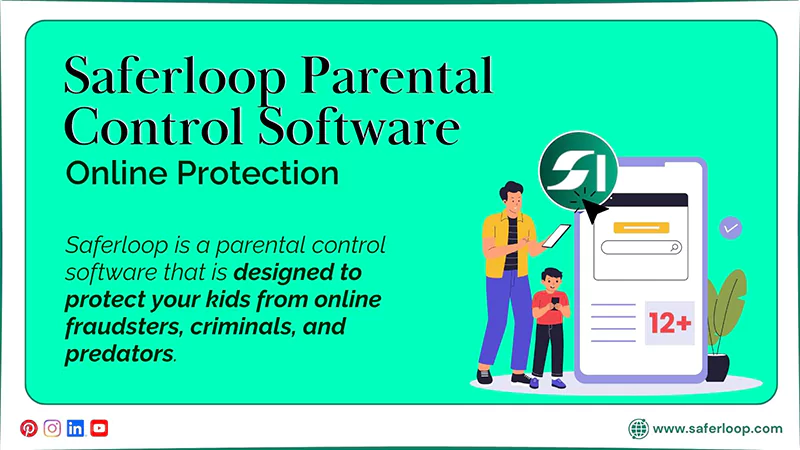
Saferloop is a parental control software that is designed to protect your kids from online fraudsters, criminals, and predators. It helps parents to set up restrictions and customize settings on kids’ devices to ensure their safety and privacy.
The software offers a wide range of safety features, such as:
- Monitor your children’s online activities to keep track of their digital behavior.
- Set screen time limits to decrease phone usage and encourage healthy habits.
- Block unsafe apps and websites to prevent them from using adult content.
- Restrict inappropriate content and obscene language to create a safe digital environment.
- Track real-time location and create digital boundaries to receive notifications when they reach or exit the place.
- Send emergency alerts, SOS updates, and reports to you if something suspicious is detected.
- Track calls and SMS directly from your children’s social media to watch over who they can interact with.
- Provide the Saferloop safety checkup extension for Chrome to add an extra layer of security to your devices.
- Offer the Saferloop GPT to guide you about digital parenting and answer all queries.
On the whole, the Saferloop parental control software helps you safeguard your kids and gives you peace of mind about digital parenting tips.
Also Read: Saferloop: Safe Kids App for Android | Explore Features, Step Up Guidance, and Trustworthiness
Wrapping Up!
Follow smart parenting tips and install parental controls like Saferloop to protect your innocent little ones online. Also, you should educate them about safety measures on how to browse the internet mindfully.
You should also try to build strong connections with your young children to understand their emotional situation and social circle. This way, they can feel confident that they have major support from their parents.
Author’s Note:
I have figured out that when kids are engaging on social media for entertainment, they can face bullying and scams, damaging their overall health.
So, I advise you to follow smart parenting tips: teach your little ones about online safety, block strangers from their accounts, and filter adult content. In enhancing their protection, the Saferloop parental control app helps you to add AI-powered security.
These safety features enhance your kids’ online protection and give you peace of mind.
Frequently Asked Questions
Q: What should parents do to ensure children’s online safety?
Q: How can kids be safe online?
Ans: Kids should never share personal information with anyone, use strong or unique passwords, and tell a trusted adult if they find something suspicious online.
Q: What is the best way to teach kids about internet safety?
Ans: You should encourage open conversation about internet safety with your children and show them how scammers and predators target minors for their advantage. This way, they can learn healthy habits easily and quickly.
 Neha Sharma
Parental Control & App Safety Writer
About article
The author of this article Neha Sharma, an Parental Control & App Safety Writer at Saferloop, brings practical experience and industry knowledge to the subject.
The review and editing by Evan Patterson have been done to make sure that it is accurate, clear, and relevant.
At Saferloop, we are determined to provide high-quality, well-researched, and updated content. To understand further how we produce and revise our articles, please refer to our Editorial Guidelines.
Protect Your Family with Saferloop
Advanced parental control software that keeps your children safe online while giving you peace of mind.
- Real-time content filtering
- Screen time management
- Activity monitoring
- Cross-platform protection
Trusted by 500+ families