Ans: Saferloop, Qustodio, Aura, Bark, and Google Family Link are the best comprehensive parental control apps.
×

Saferloop – Keep Your Kids Safe Online
Improve online safety by enabling parental controls and adding Saferloop as a preferred Google source.
Top 5 Best Parental Monitoring Software to Track Children’s Activities in 2026
The top 5 best parental monitoring software are Saferloop, Qustodio, Aura, Bark, and Google Family Link. These apps provide advanced features to track children’s online activities. However, many parents may be confused about which parental control software is better to set up.
So, to help my readers and helicopter parents, I’ve provided an overview of the top 5 parental monitoring software, ranked by their features and why parents love them.
Quick Answer:
Saferloop is the best parental monitoring software, which provides an AI-powered mechanism to detect and scan your children’s digital space with a budget-friendly package. Moreover, it also offers a safety checkup report via its extension.
Table of Contents:
A Quick Overview of the 5 Best Parental Monitoring Software
Sometimes, built-in monitoring features are not enough to restrict inappropriate content. That’s why I recommend third-party parental controls to monitor your children’s online activities efficiently.
You can see a brief comparison of the top 5 best parental monitoring software based on Google ratings, pricing, and features.
| Apps | Starting Price | Free Version | Best for | Features | Rating |
Saferloop | $44.95/Year | Demo Available | Advanced AI-powered monitoring. |
|  |
Qustodio | $54.95/year | Unlimited with basic features | Comprehensive coverage on iOS and Android. |
| |
Aura | $10/month | 14-day trial | Unique voice or text monitoring for 200+ games. |
|  |
Bark | $14/month | 7-day free trial | Text, app, and social media monitoring. |
| |
Google Family Link | Free | Unlimited | Oversee app usage on Android and Chrome OS |
| |
Top 5 Best Parental Monitoring Software: Detailed Information
You should skim through this section to discover the best parental monitoring software in great detail.
1. Saferloop
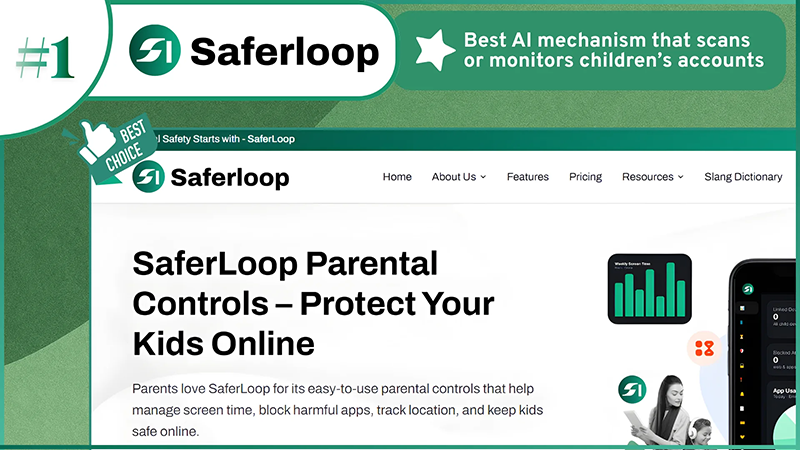
| Rating: ★★★★★ (5.0) Free Trial: Yes Price: $44.95/Year Platform: Android and iOS Best for: Advanced AI-powered monitoring |
What is it?
Saferloop, one of the safest parental control app is best known for its AI-powered mechanism to keep track of children’s online activities. Its intuitive features monitor calls and text messages, block inappropriate content, track device safety, and filter websites and apps on both Android and iOS devices.
Why is it #1?
The software is empowered with an AI mechanism that scans or monitors children’s accounts systematically and responsibly.
Why do parents love it?
Parents with no technical background can easily utilize the Saferloop features due to the user-friendly interface.
2. Qustodio
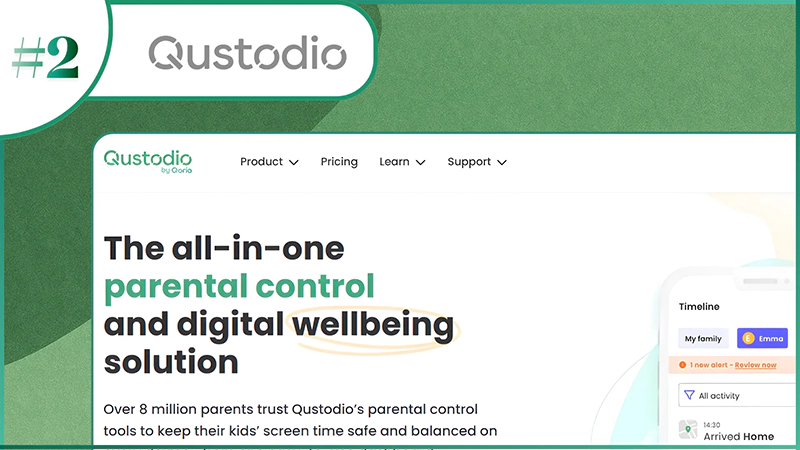
| Rating: ★★★★★ (4.9) Free Trial: Yes Price: $54.95/year Platform: Android and iOS devices Best for: Comprehensive coverage |
What is it?
Qustodio is one of the renowned parental control software programs that offers smart filters to age-inappropriate webpages across both iOS and Android devices. However, it lacks in tracking device safety and has an expensive premium package in comparison to Saferloop. Also, you can read the Saferloop Vs Qustodio blog to make an informed decision about choosing the right parental control app to protect your children.
Why is it #2?
Qustodio is ranked #2 because it provides comprehensive 24/7 monitoring facilities to watch over children’s digital space, with the only drawback being that tech-savvy kids can bypass some restrictions.
Why do parents love it?
Parents can monitor their little ones’ involvement without penetrating their personal space from their own devices.
3. Aura
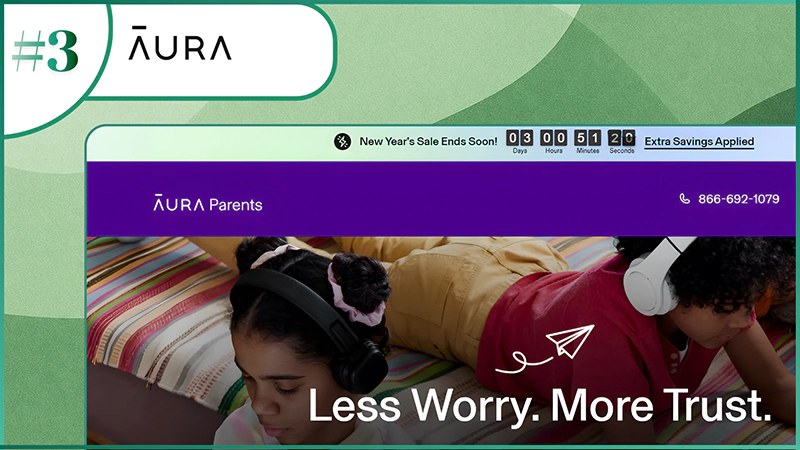
| Rating: ★★★★ (4.5) Free Trial: 14-day trial Price: $10/month Platform: Android and iOS devices Best For: Voice and text monitoring |
What is it?
Aura parental control offers smart screen time management and content filtering to keep an eye on your kids’ social media accounts. However, it doesn’t monitor direct messages, calls, and texts, nor does it offer advanced location tracking, unlike Saferloop.
Why is it #3?
The app features robust screen time limits and monitors apps, sites, and games for safe browsing. But it heavily focuses on behavioral insights and game chat alerts.
Why do parents love it?
The starter pack allows parents to monitor kids across a wide range of devices (iOS and Android) with a 14-day trial.
Also Read: Why You Need Parental Controls for Your Kids
4. Bark
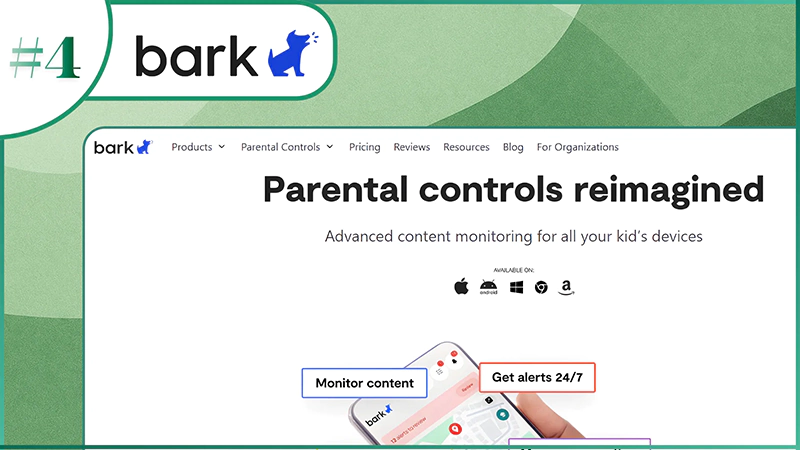
| Rating: ★★★★(4.0) Free Trial: 7-day free trial Price: $14/month Platform: iOS and Android devices Best For: Text, app, and social media monitoring |
What is it?
Bark parental monitoring software focuses on digital safety by tracking location, surveillance apps, and text messages and setting screen time limits to foster healthy habits. However, it lacks in identifying theft protection and call log tracking.
Why is it #4?
Though Bark provides top-notch tools to focus on detecting issues like cyberbullying, predators, etc., it is not comprehensive in blocking apps and websites.
Why do parents love it?
It helps parents to stay updated with AI alerts when serious dangers like predators and cyberattacks are detected in text chats and on social media platforms.
5. Google Family Link
| Rating: ★★★★★ (4.6) Free Trial: N/A Price: Free Platform: Android and ChromeOS Best For: Tracking device activity |
What is it?
Google Family Link is entirely free parental control software to keep track of your children’s online activities and manage Play Store purchases on Android and ChromeOS devices (not compatible with iOS). But the free version doesn’t have advanced content filtering and real-time location tracking. Furthermore, you can read the Saferloop Vs Family Link blog to uncover the best parental monitoring software for your children.
Why is it #5?
The app is free and integrates with Google smartphones and Chromebooks to enhance digital safety. But it lacks advanced features (call/text monitoring and location tracking) as Saferloop does.
Why do parents love it?
Parents love Google Family Link to get notified when their kids enter or leave the geofence area and keep control of their digital space without spending a penny.
Also Read: How Parental Control Helps to Protect Children on Social Media?
Which Parental Control Software Is Suitable for You?
It is apparent that choosing the best parental monitoring software depends on your preferences and needs. Still, I’ve shared some recommendations to help you select the right fit for you and your little ones.
- If you are looking for utilizing an advanced AI-powered mechanism to monitor your kids’ digital space in a budget-friendly option, you should opt for a Saferloop without a second thought.
- On the other hand, Qustodio parental control software provides smart filters for websites and apps to block inappropriate content from your children’s accounts. But it is slightly expensive in comparison to Saferloop.
- Moreover, you can also use Google Family Link to enjoy some basic monitoring features for free. But it lacks high-tech filters and is incompatible with iOS devices.
Wrapping Up!
Overall, setting up parental control software has become a necessity to ensure the well-being of your children. So, I recommend you go for the Saferloop parental control app, as it is one of the best parental monitoring software.
It provides advanced filters, blocks apps and sites, directly monitors calls and messages, and tracks real-time location across Android and iOS devices within a budget-friendly package.
Author’s note:
Honestly, I use Saferloop, Qustodio, Aura, Bark, and Google Family Link parental control apps to protect my children online. However, I recommend that Saferloop impress me as a concerned parent because of its best monitoring services and budget-friendly premium plans.
Other apps like Google Family Link and Qustodio also work well, but Family Link lacks advanced management, and Qustodio is not for non-tech-savvy parents like me. That’s why I opt for the Saferloop parental control app.
Frequently Asked Questions
Q: What is the best comprehensive parental control app?
Q: What app allows me to read my child’s text messages?
Ans: Bark and Saferloop allow you to read your child’s text messages from your own devices.
Q: How can I see what my kids are doing on their phones?
Ans: To see what your kids are doing on their phones, you should enable built-in features like Apple’s Screen Time and Google Family Link. Additionally, you can try parental controls like Saferloop, Qustodio, Bark, and Aura.
Q: Why is the Bark app bad?
Ans: Some families encounter limitations on iOS devices and false emergency alerts that lead them to frustration.
 Justin Thomas
Cybersecurity Analyst and Digital Safety Writer
About article
The author of this article Justin Thomas, an Cybersecurity Analyst and Digital Safety Writer at Saferloop, brings practical experience and industry knowledge to the subject.
The review and editing by Vinithra Karunanidhi have been done to make sure that it is accurate, clear, and relevant.
At Saferloop, we are determined to provide high-quality, well-researched, and updated content. To understand further how we produce and revise our articles, please refer to our Editorial Guidelines.
Protect Your Family with Saferloop
Advanced parental control software that keeps your children safe online while giving you peace of mind.
- Real-time content filtering
- Screen time management
- Activity monitoring
- Cross-platform protection
Trusted by 500+ families