

Ans: Saferloop is the best parental control app for protecting children from scams and digital criminals, as it offers AI-powered security features, web filtering, location tracking, and real-time reports.
×

Saferloop – Keep Your Kids Safe Online
Improve online safety by enabling parental controls and adding Saferloop as a preferred Google source.
Which is the Safest Parental Control App to Protect Children Online? Features, Price, and Ratings
Choosing the safest parental control app truly depends on your preferences, but the top contenders for comprehensive security include Saferloop, Qustodio, Bark, Aura, and Norton Family.
Here, I’ve compiled detailed information on a comparison of these parental control apps to discuss ratings, features, pricing, and compatibility for your guidance.
Table of Contents:
Which is the Safest Parental Control Apps in 2026? List of Top 5
Sometimes, built-in parental control features aren’t enough to safeguard children from social media spammers and cyberattacks. That’s why I advise you to install third-party parental control apps to enhance your kids’ safety.
Here, you’ll get a quick overview of the top 5 safest parental control apps compared by Google ratings, features, and pricing.
| App | Price | Free Version | Best For | Features | Rating |
Saferloop | Starter plan: $44.95/Year | Demo Available | AI-powered security system to protect children | GPS tracking, app management, social media monitoring, and SOS updates | ★★★★★ |
Qustodio | Basic: $54.95/year | Yes, with limited features | Comprehensive web filtering | Cross-device compatibility and robust web filtering | ★★★★★ |
Bark | Starts at $14/month | 7-day free trial | Ideal for monitoring texts and emails | Directly monitor texts, calls, and emails, and send emergency alerts | ★★★★ |
Aura | Kids Plan: $10/month | 14-day free trial | Provide digital safety tools for safe gaming | Safe gaming monitoring and high-tech safety features | ★★★★ |
Norton Family  | $49.99/year | 30-day free trial | Best for web monitoring | Web content filters and screen time limits with schedules | ★★★★ |
Also Read: iPad Parental Control: How to Set Up and Manage Screen Time Safely?
Safest Parental Control Apps to Enhance Kids’ Safety
For a comprehensive analysis, you should skim through this section to acquire knowledge on Saferloop, Qustodio, Bark, Aura, and Norton Family parental control apps.
1. Saferloop Parental Control App
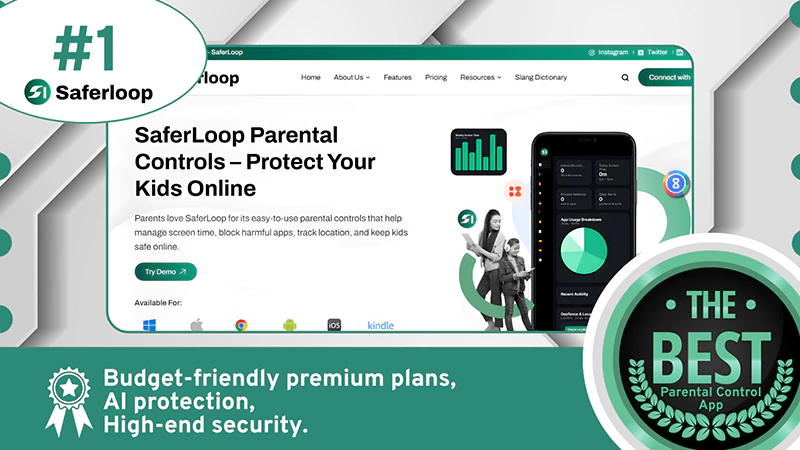
| Rating: ★★★★★ (5.0) Free Trial: Demo Available Price: $44.95/Year Platform: Android and iOS devices Best For: AI-powered security system |
Saferloop parental control app offers AI-powered digital safety features, including:
- GPS tracking and geofencing
- App management
- Screen time limits
- Web and Social media monitoring
- AI alerts, reports, and SOS updates
You can add this app to your Chrome via the Saferloop extension. It’s easy to use, and a comprehensive dashboard allows you to keep track of your children’s online behavior across multiple devices (iOS, Android, Windows, and Mac) to safeguard them on digital platforms.
Why is it #1?
With budget-friendly premium plans, it offers a wide range of parental control features with AI protection, aiming to maintain high-end security.
Why do parents love it?
Parents trust Saferloop parental control software to balance children’s offline and online activities, promoting healthy habits. It gives them peace of mind while their kids are surfing the internet.
2. Qustodio
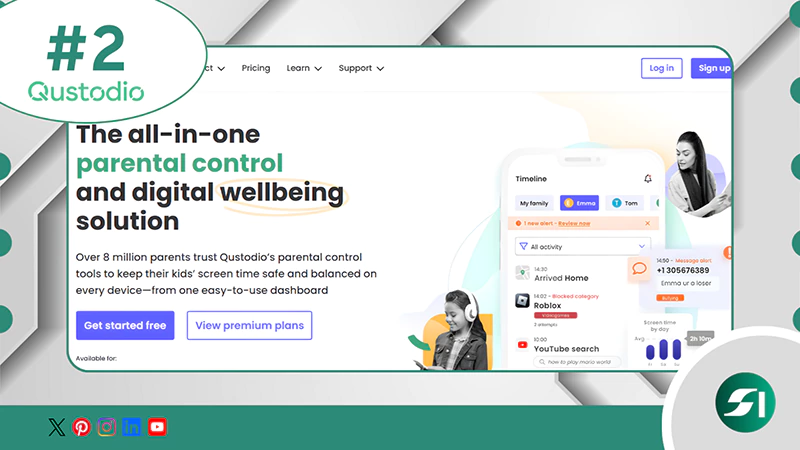
| Rating: ★★★★★ (4.9) Free Trial: Yes Price: $54.95/year Platform: Android and iOS devices Best For: Comprehensive web filtering |
Qustodio is one of the safest parental control apps, providing:
- Robust web filtering
- Time management
- Detailed activity reports
- GPS tracking
Also, the cross-device compatibility helps parents to monitor multiple devices from their smartphone. However, the app lacks an advanced AI-powered security system, social media monitoring, and granular location geofencing.
Why is it #2?
Due to the user-friendly interface and strict screen time management, it is a parent’s choice and is praised by thousands of people.
Why do parents love it?
Parents love this app for its cross-device compatibility and comprehensive features to keep their children safe.
Note:
The Saferloop Vs Qustodio article can provide you with more profound insights into which parental control app is best for your kids’ safety.
3. Bark
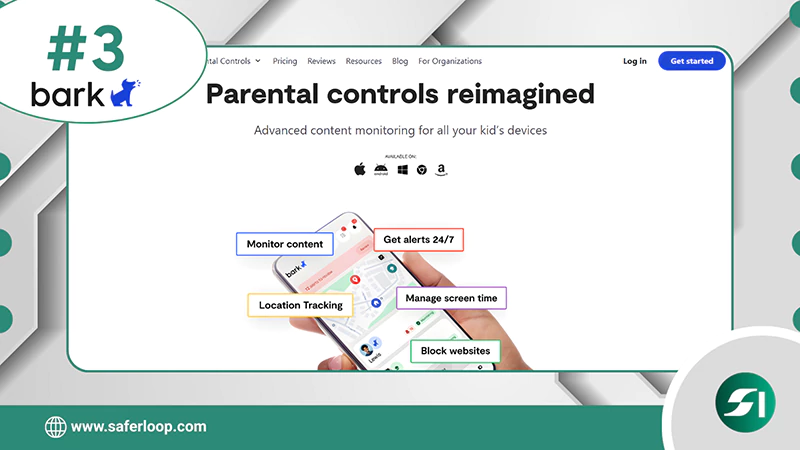
| Rating: ★★★★ (4.5) Free Trial: 7-day free trial Price: $14/month Platform: Android and iOS devices Best For: Ideal for monitoring texts and emails |
Unlike most competitors, Bark monitors texts, emails, and social media platforms to safeguard teenagers from inappropriate content. It targets alerts when something suspicious is detected rather than always spying on kids, striking a balance between safety and privacy.
However, this parental control app lacks granular app time limits and a robust safety system, making it easy to bypass the restrictions.
Why is it #3?
It supports unlimited devices under one premium plan and also offers Bark phone and Bark home with built-in parental control features beyond just an app.
Why do parents love it?
Parents love this app for its unique balance between child safety and independence, and it gives freedom to explore the digital world safely.
4. Aura
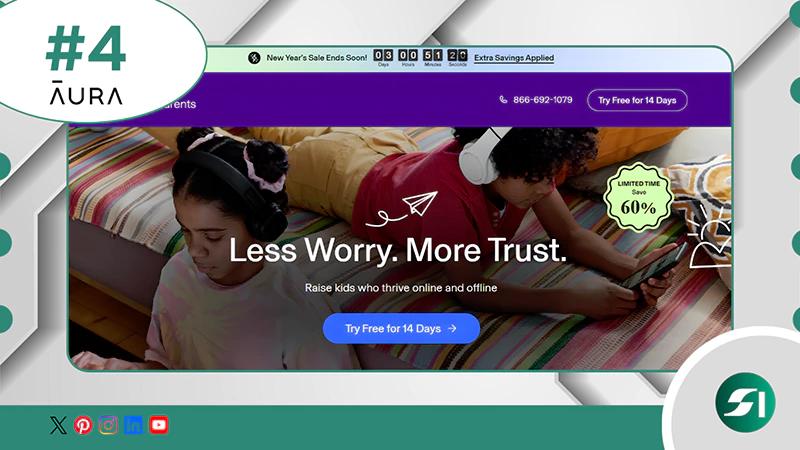
| Rating: ★★★★ (4.0) Free Trial: 14-day free trial Price: $10/month Platform: Android and iOS devices Best For: Provide digital safety tools for safe gaming |
Aura parental control software provides an intuitive platform that surpasses basic monitoring and safety features. It also provides safe gaming monitoring for games like Roblox and Discord.
However, it is essential to note that the app doesn’t support live location tracking or app-specific time limits, which makes it less comprehensive than the Saferloop parental control app.
Why is it #4?
This parental control application not only provides security to children, but it also focuses on password management, identity protection, antivirus, and VPN.
Why do parents love it?
Aura enables parents to manage their kids’ online activities and safeguard them from cyberbullying with a VPN and identity theft protection.
5. Norton Family
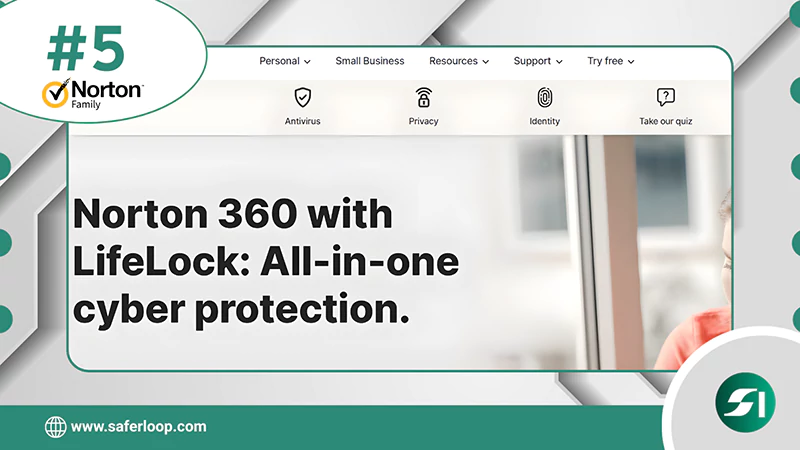
| Rating: ★★★★ (4.0) Free Trial: 30-day free trial Price: $49.99/year Platform: Android and iOS devices Best For: Best for web monitoring |
Norton Family is a cloud-based parental control app, offering tools to filter web content, screen time with schedules, and track location. It helps set boundaries and teach kids about digital safety across Windows, iOS, and Android devices.
Despite this, it lacks social media monitoring and call blocking and has weaker features on iOS/Mac devices compared to Android/Windows.
Why is it #5?
This software provides advanced web filters and screen management with unlimited device support. Moreover, it monitors video streaming platforms like Netflix and YouTube.
Why do parents love it?
Parents love Norton Family for its “School Time” feature, which helps kids focus effectively on their studies when studying remotely.
How to Choose the Safest Parental Control App?

To keep your children safe, there are several key features to consider before selecting the safest parental control app.
Here, I’ve mentioned some pointers for in-depth guidance.
- Check Set Up Process
You should choose a parental control that is easy to set up without too much technical knowledge. It helps you to monitor or track your children’s online behavior conveniently.
- Look for Features
Always look for parental control app features you need to manage your kids acitivties, such as screen time limits, location tracking, app blocking, web content filtering, and much more.
- Read Latest Reviews
Focus on current users’ reviews and functionality on Google, and try to inquire about their experience personally.
- Check Cross-Device Compatibility
Ensure the parental control app supports all devices of your family members, including Android, iOS, Windows, and MacBooks.
- Look for Trial Periods and Guarantees
Test features and money-back guarantees in free trial periods for risk-free commitments and transparency.
Conclusion and Recommendation
Overall, opting for the safest parental control app is crucial for children’s safety from digital vulnerabilities. Therefore, I recommend that you select the Saferloop parental control app, offering robust AI-powered security, web filtering, and location tracking in a budget-friendly plan.
Additionally, it provides compatibility with iOS and Android devices, helping parents to monitor their kids’ online activities from their own smartphones.
Author note:
I have used Saferloop, Qustodio, Bark, Aura, and Norton Family parental controls for monitoring my kids. However, I honestly recommend the Saferloop parental control app, as it uses an AI-powered mechanism to protect kids from inappropriate content and real-time location tracking without burning a hole in your pocket.
However, you can use Qustodio for a comprehensive dashboard, Bark for monitoring calls and texts, Aura for safe gaming, and Norton Family for web monitoring.
Frequently Asked Questions
Q: Which is the safest parental control app?
Q: Can my kid delete the Saferloop app?
Ans: No, kids cannot delete the Saferloop app, as it requires a passcode to disable parental control settings or uninstall it.
Q: What are the safe messaging apps for kids?
Ans: Messenger Kids, Kinzoo, JusTalk Kids, and Gabb Messenger are the top safe messaging apps for kids, designed to provide safety and privacy.
Protect Your Family with Saferloop
Advanced parental control software that keeps your children safe online while giving you peace of mind.
- Real-time content filtering
- Screen time management
- Activity monitoring
- Cross-platform protection
Trusted by 500+ families