

Ans: You can filter web content on your Android phone by using Google Family Link and the Saferloop parental control app. These apps filter explicit, adult, and gambling content from your smartphone.
×

Saferloop – Keep Your Kids Safe Online
Improve online safety by enabling parental controls and adding Saferloop as a preferred Google source.
Top 5 Best Web Filtering App for Android to Safeguard Children from Adult Content
Selecting the best web filtering app for Android is a baffling topic for many non-technical parents. Due to the same features and influencing advertisements, all parental controls seem good for filtering (in reality, they are not).
As a helicopter parent, I acquainted myself with Android web filters and compiled detailed information on the best web filter app for Android 2026 in this article. Also, you’ll discover a quick overview, features, and why parents love these top Android web filtering tools.
Table of Contents:
Quick Overview of the Best Web Filtering App for Android
When your children bypass the built-in safety restrictions, you should try third-party parental control software to filter explicit content from their devices.
Therefore, I’ve created an overview table of Android parental control web filter apps based on Google ratings, pricing, and features.
| Apps | Starting Price | Free Version | Best For | Features | Ratings |
Saferloop | $44.95/Year | Demo available | AI-powered web filtering |
| ★★★★★ |
Qustodio | $54.95/year | 30-day free trial | Robust web filtering |
| ★★★★★ |
Norton Family | $49.99 /year | 30-day free trial | Excellent at blocking inappropriate apps |
| ★★★★ |
Bark | $14/month | 7-day free trial | Advanced content scanning |
| ★★★★ |
Google Family Link | Free | Unlimited | Web filtering on Chrome and YouTube |
| ★★★★★ |
Top 5 Best Web Filtering Apps for Android: Detailed Insights
For in-depth guidance, you should skim through this section to acknowledge information on Saferloop, Qustodio, Norton Family, Bark, and Google Family Link parental control apps.
1. Saferloop Parental Control App
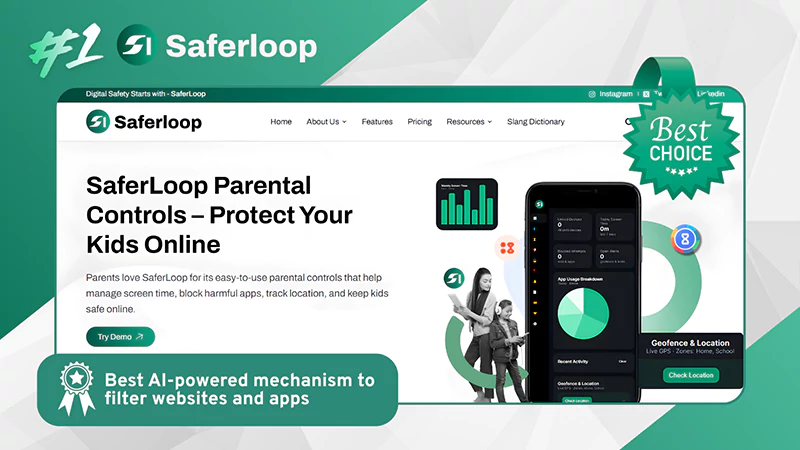
| Rating: ★★★★★ (5.0) Free Trial: Yes Price: $44.95/Year Platform: Android and iOS devices Best for: an AI-powered mechanism to filter websites and apps |
What is it?
Saferloop is an AI-powered parental control that detects and scans age-inappropriate content from web browsers and apps. It provides a safe browsing environment, customizable settings, YouTube filtering, and Google SafeSearch. You can also block malware and explicit sites to encourage safe browsing.
Why is it #1?
The app provides AI content filtering, app blocking, YouTube monitoring, and real-time alerts, ensuring a comprehensive parental control solution.
Why do parents love it?
Parents love Saferloop features for the automatic Android web filter and content blocking, which gives them peace of mind and a safe digital space.
2. Qustodio
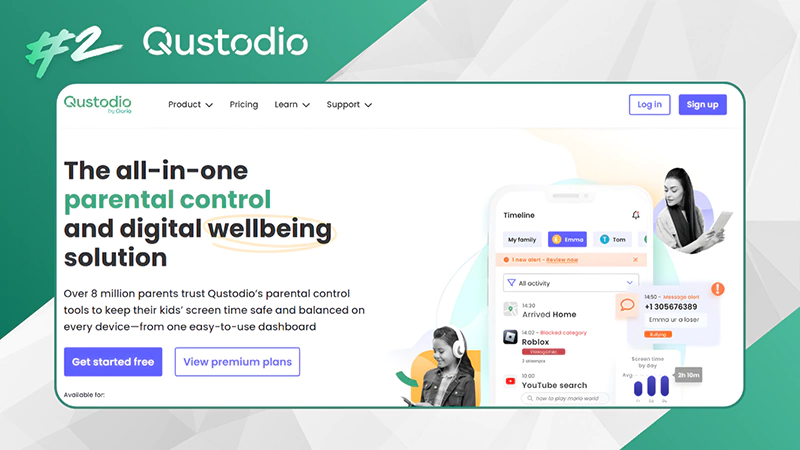
| Rating: ★★★★★ (4.9) Free Trial: 30-day free trial Price: $54.95/year Platform: 30-day free trial Best for: Robust web filtering |
What is it?
Qustodio is known as one of the best web filtering app for Android, as it offers robust web filtering, screen time limits, app blocking, and location tracking across devices. But the app lacks URL-specific blocking and has conflicts with other security software. You can also read the Saferloop Vs Qustodio blog to uncover which parental control app is suitable for you.
Why is it #2?
You can set up the Qustodio app for advanced filtering that lets you block by category (games, explicit, gambling) and enforce SafeSearch. It is important to note that users encounter technical issues while using it.
Why do parents love it?
Parents love Qustodio for its comprehensive coverage and cross-platform monitoring that ensures safety on a wide range of devices.
3. Norton Family
| Rating: ★★★★ (4.5) Free Trial: 30-day free trial Price: $49.99/year Platform: Android and iOS devices Best for: Excellent at blocking inappropriate apps |
What is it?
Norton Family allows parents to monitor and manage children’s browsing, set age-appropriate rules, and filter content on apps and websites. It offers robust web filtering features as a core to safeguard kids from inappropriate images and content. However, it lacks deep detection of explicit content on webpages and device management.
Why is it #3?
This Android web filter software offers a great balance of features, value, and ease of use. Even so, you should ensure that your kids are not able to bypass its restrictions.
Why do parents love it?
Parents can prefer Norton Family for strong web filtering, app blocking, detailed reports, and compatibility across many devices.
4. Bark
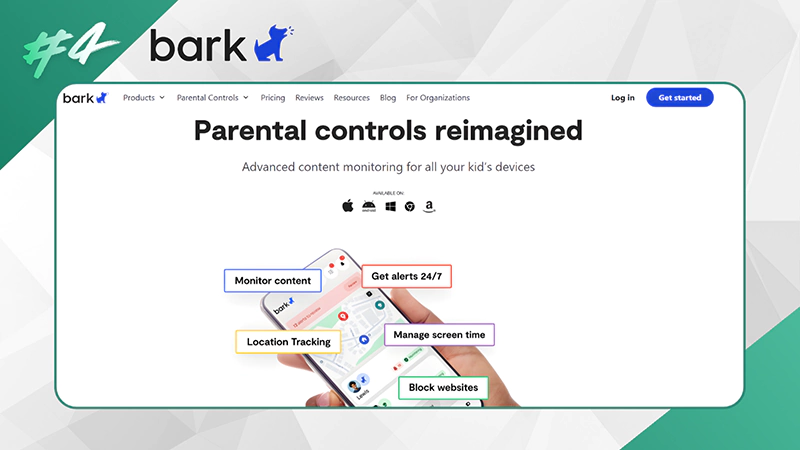
| Rating: ★★★★ (4.0) Free Trial: 7-day free trial Price: $14/month Platform: Android and iOS devices Best for: Advanced content scanning |
What is it?
Bark parental control allows parents to block specific sites and apps, schedule access, and provide alerts and guidance to keep children safe. Additionally, it filters content for dangers like cyberbullying across 30+ apps, not just webpages, making it an Android parental control web filter.
Why is it #4?
The app ranks #4 because it blocks internet access for a wide range of Android apps, focusing on blocking sites. But it somehow doesn’t support automatic filtration, unlike Saferloop.
Why do parents love it?
Parents love Bark due to its intuitive oversight, website/app blocking, and location tracking. It helps them to balance online safety with child privacy.
5. Google Family Link
| Rating: ★★★★★ Free Trial: Yes Price: Free Platform: Android and ChromeOS Best for: Web filtering on Chrome and YouTube |
What is it?
Google Family Link is the best web filtering app for Android for those who don’t want to spend money on parental controls (free). It provides basic web filtering, enforces SafeSearch, and manages app permissions. Unfortunately, the free version falls short in introducing advanced and high-tech detection and scanning tools. Also, read the Saferloop Vs Family Link to make informed decisions about choosing the best web filtering app for Android.
Why is it #5?
It provides useful and basic features like screen time management, app blocking, and emergency alerts or notifications. However, it lacks the deep filtering of content that its competitors accomplish.
Why do parents love it?
This Android parental control web filter is entirely free and offers comprehensive control over your kids’ digital lives.
Also Read: 10 Best Parental Control Apps for Families: Features, Benefits, and Top Picks
Which Parental Control Software is Suitable for You?
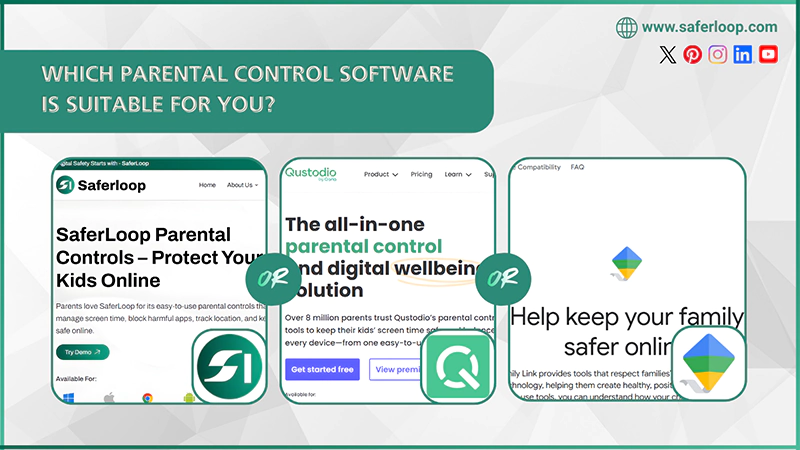
Choosing the best web filtering app for Android depends on your personal choices and preferences. Still, I’ve shared some recommendations to help you how to select the right fit for your little ones.
- Saferloop: This app offers comprehensive coverage, AI-powered tools, and robust web filtering across various devices (Android and iOS), at a less expensive package than other competitors, making it the ideal Android web filter software. Moreover, it also offers a safety checkup report via its extension.
- Qustodio: It also has an easy-to-use interface, advanced web filtering features, and app blocking tools for managing children’s accounts. However, it has a costly yearly package in comparison to Saferloop and lacks in supporting security software.
- Google Family Link: If you want some basic features for free, you can go for the Google Family Link parental control. However, it doesn’t support AI-powered web filtration and lacks deep monitoring.
Wrapping Up!
Overall, using parental control is crucial to monitor and manage your children’s digital space smartly and efficiently. Therefore, I recommend you select the Saferloop parental control app for robust web filtering and comprehensive coverage.
It is the best web filtering app for Android and iOS devices as well, as it provides real-time location, SOS updates, scans inappropriate content, and blocks unsafe websites and apps for kids’ safety.
Author’s note:
For the last year, I have used Saferloop, Qustodio, Norton Family, Bark, and Google Family Link parental control apps to monitor my children’s online activities. However, I genuinely advise you to go for the Saferloop parental control app, as it offers AI-powered safety features with budget-friendly plans and cross-device compatibility.
On the other hand, you can opt for Google Family Link for free features, but it doesn’t offer advanced safety. So, choose it wisely.
Frequently Asked Questions
Q: How do I filter web content on my Android phone?
Q: What free app has the best filters?
Ans: Saferloop is the free and best app that provides useful filters to scan and detect age-inappropriate content.
Q: How to permanently block websites on Android?
Ans: You can use Saferloop, Qustodio, Norton Family, Bark, and Google Family Link parental controls to permanently block websites on Android.
Q: Can a VPN block adult content?
Ans: Traditional VPNs cannot block adult content, but NordVPN offers a cybersecurity feature and threat protection that restricts 18+ content.
Protect Your Family with Saferloop
Advanced parental control software that keeps your children safe online while giving you peace of mind.
- Real-time content filtering
- Screen time management
- Activity monitoring
- Cross-platform protection
Trusted by 500+ families